

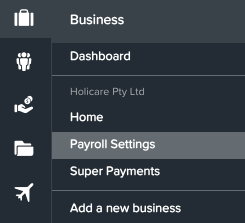
From the Ezipay business dashboard, select Payroll Settings
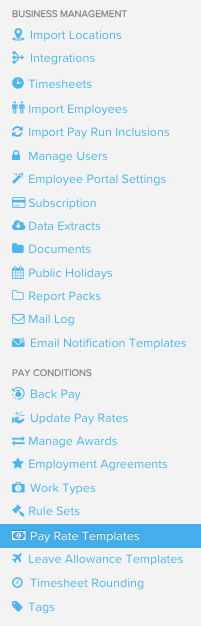
Under Pay Conditions, select Pay Rate Templates
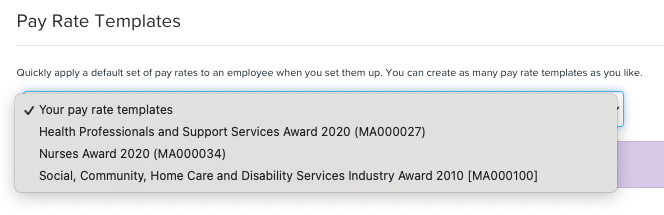
Click on the dropdown to select which Pay Rate templates you would like to update
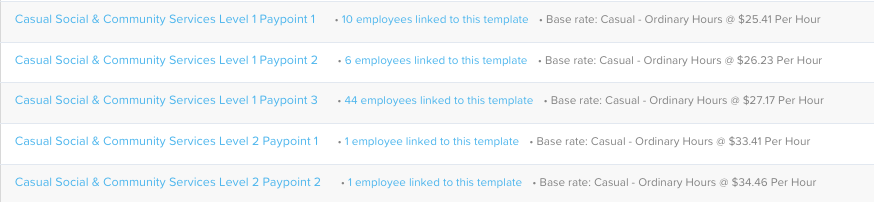
In this case, let's select SCHADS. The system will then show you all the templates per level paypoint and the number of employees linked to that specific template.
Choose a specific template, then select the item you want to update the rate for. Tick the small box on the left, input the amount per unit, and finally, click the blue Save button to complete the process.
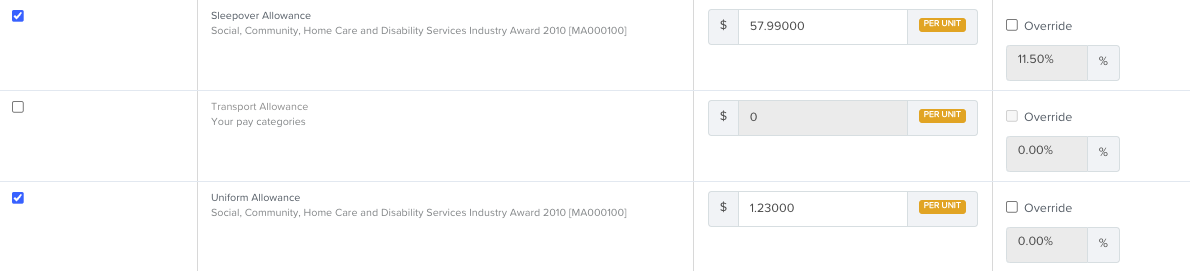
Important to note that if rates vary by category, ensure you make updates for each pay level accordingly.