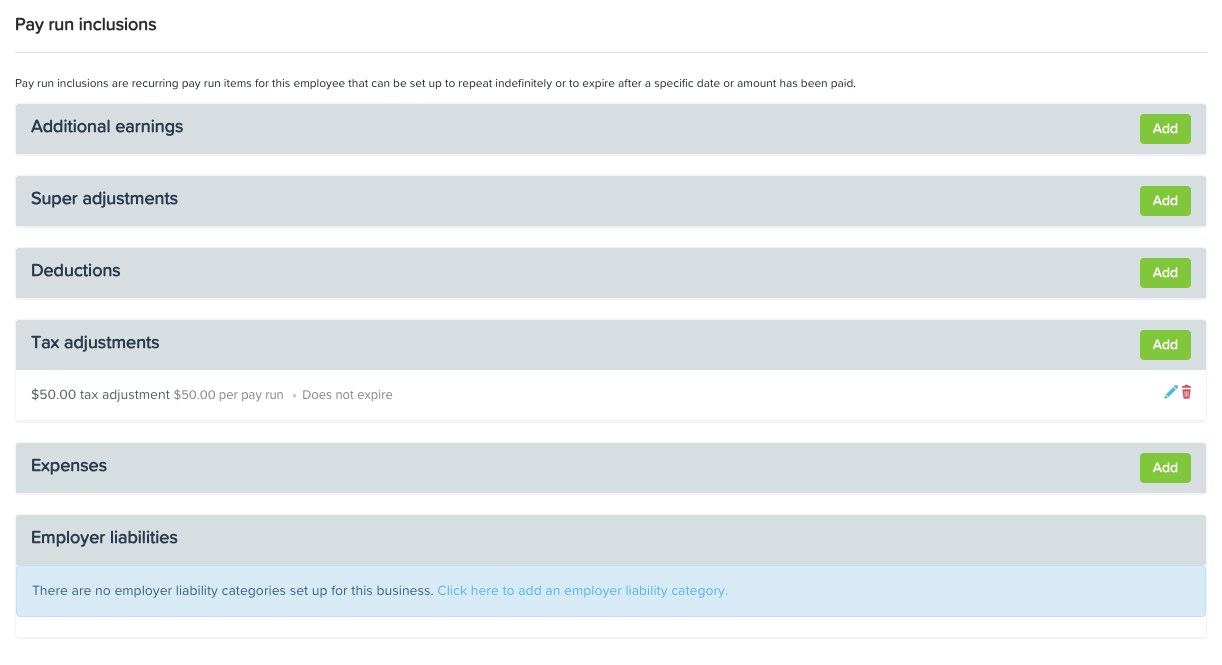

It is important to note that pay run inclusions are recurring pay run items for that can be set up to repeat indefinitely or to expire after a specific date or amount that has been paid.
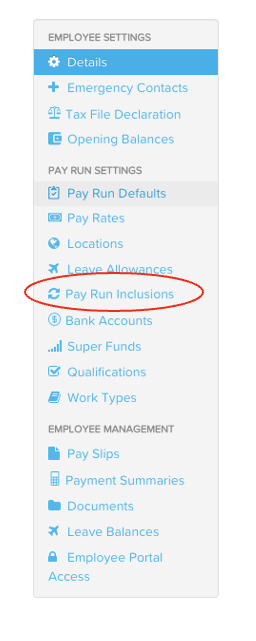
For instances where staff wants to pay tax volunteer, click 'Pay Run Inclusions' from Employees Settings.
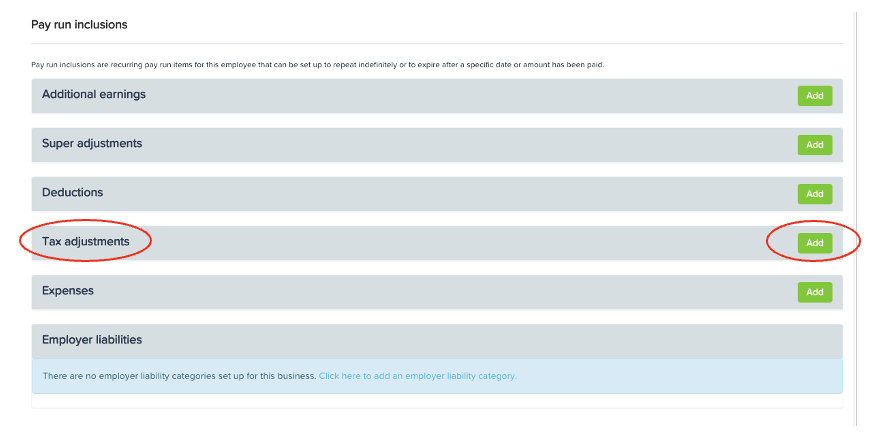
Once in there, choose the specific inclusion from the list of which the staff has preferred (Tax Adjustment). Click the green 'Add' button on the right end
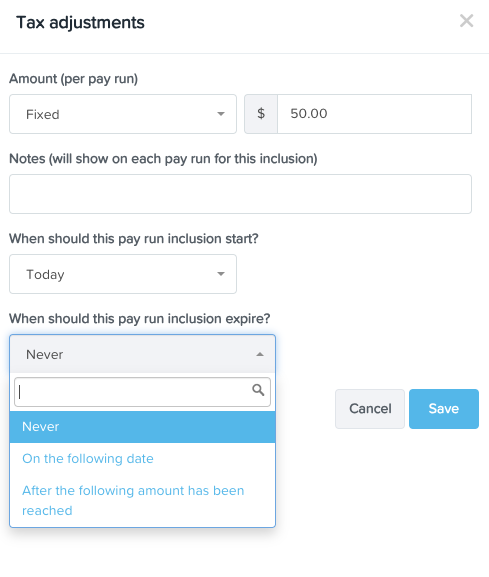
A window on the upper left will appear where you'll fill out necessary information according to what has been agreed with the employee. You have the option to pay (per pay run), a fixed amount or a percentage, the start date and as to when the pay run inclusion will expire. Then hit 'Save'.
Once successfully saved, you will now see the amount of the pay run inclusion.