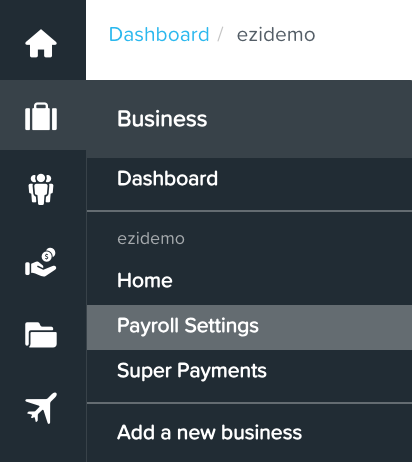
From your Admin dashboard, select the suitcase icon and select Payroll Settings
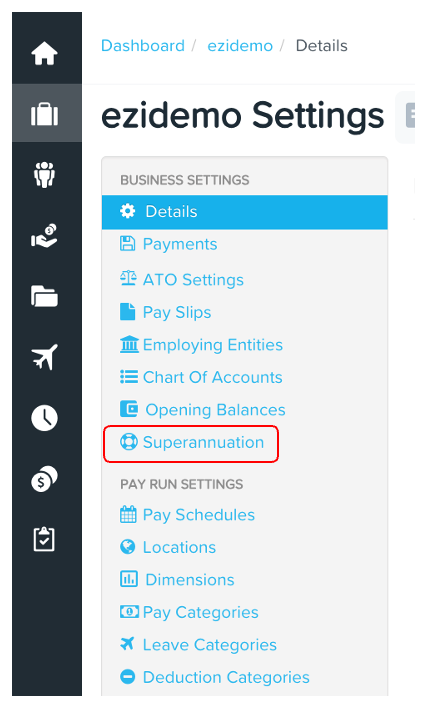
From here select Superannuation
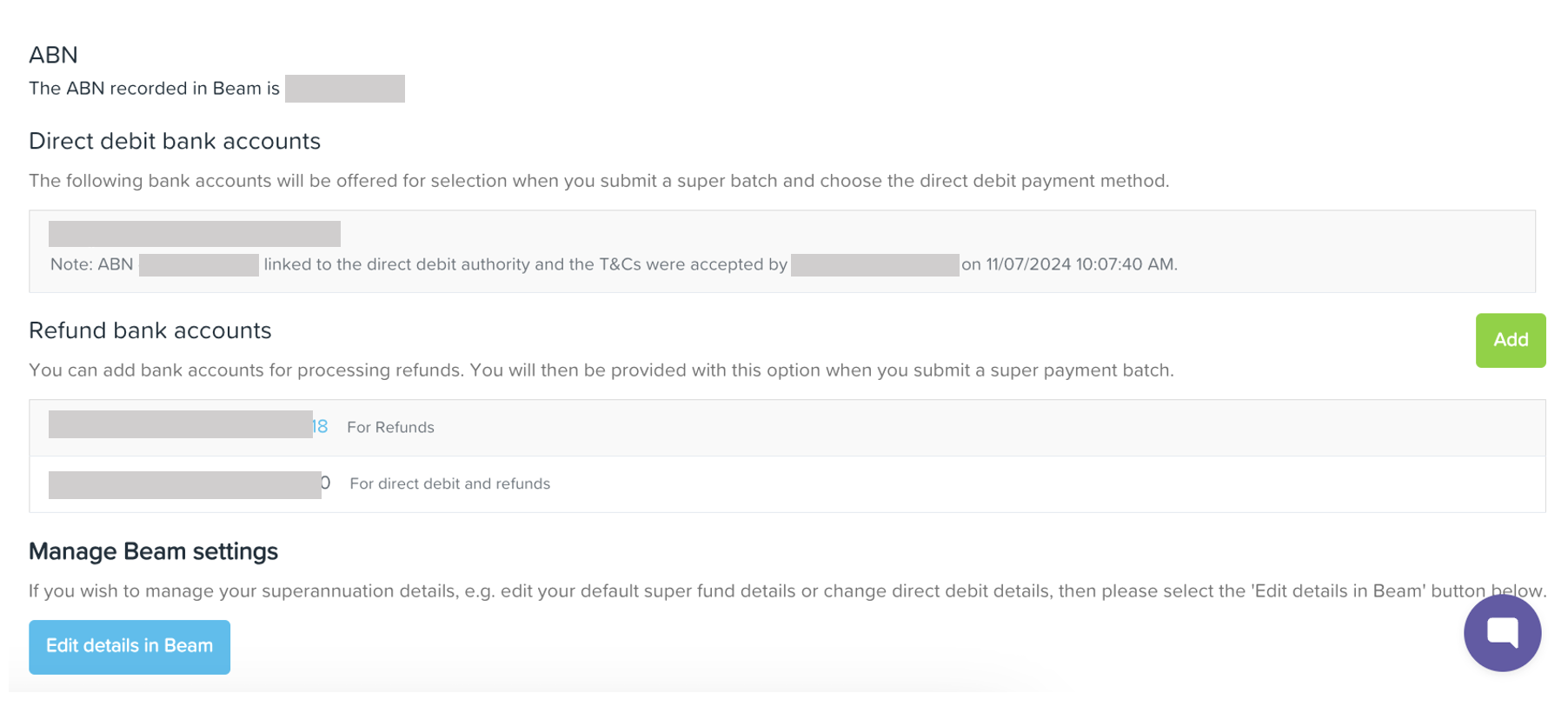
At the bottom of the page, select Edit details in Beam

Once directed to the Beam page, first step is to fill out necessary business information. Click Next
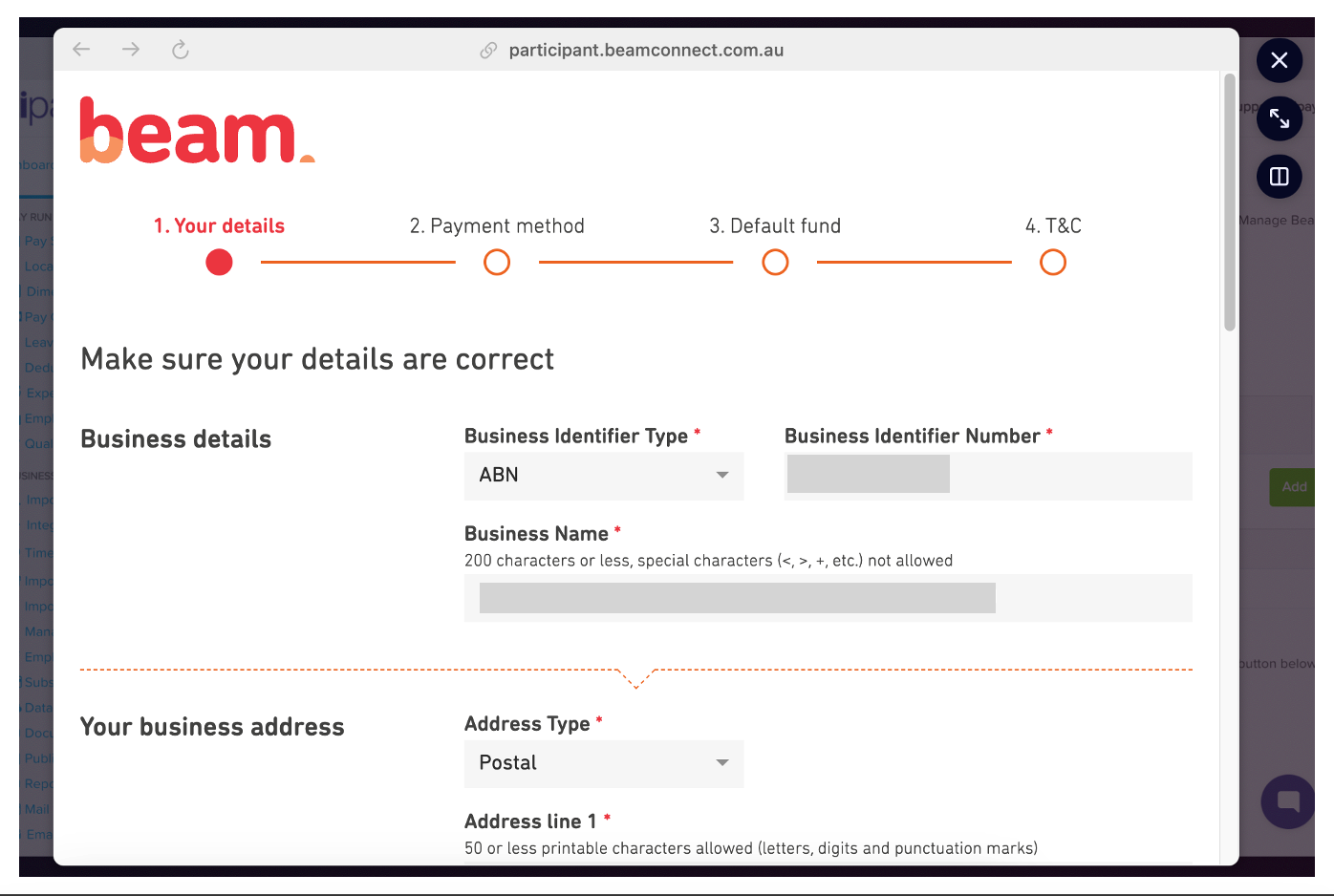
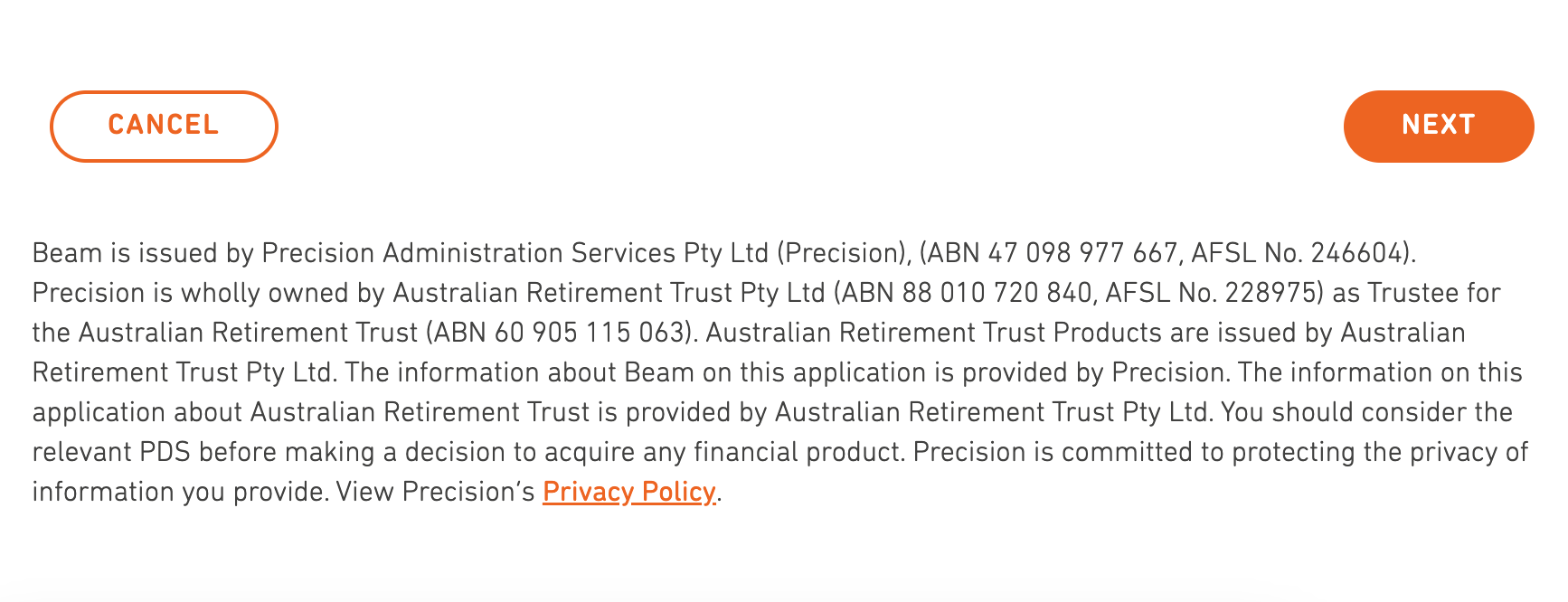
click Next and you will be taken to the next step which is the Payment Method
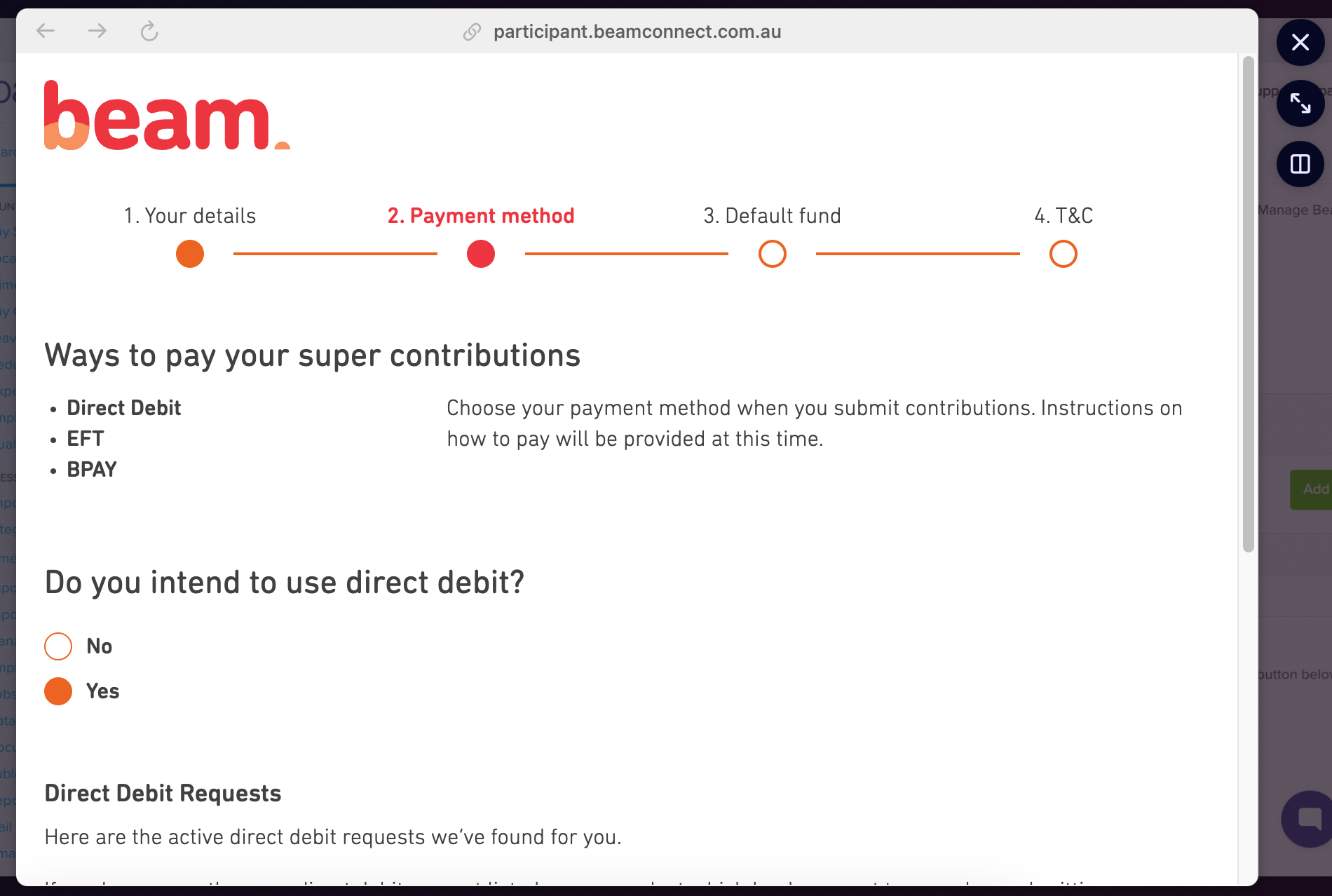
On the second step, you will then be asked if you intend to use a direct debit. Select desired option.
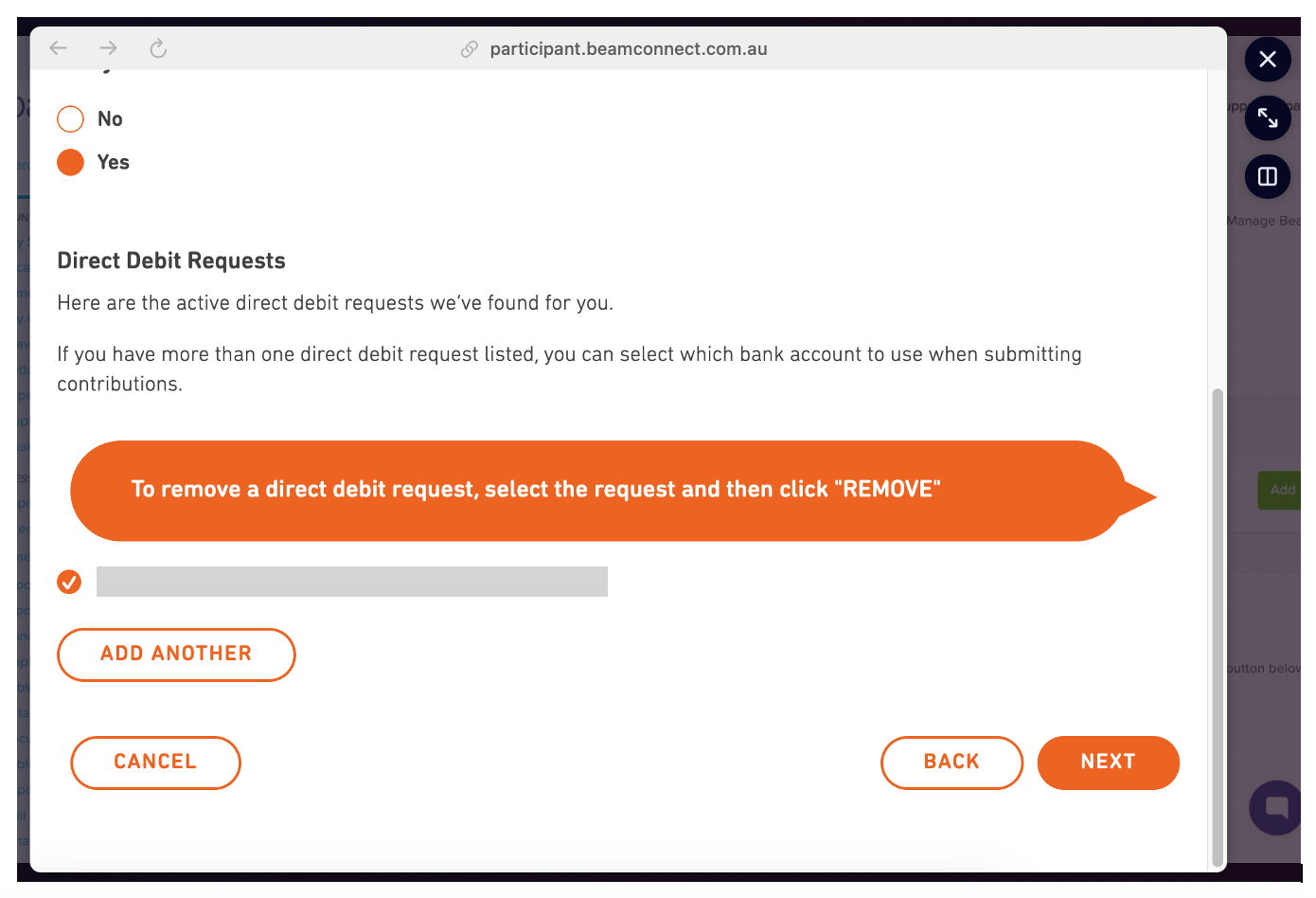
Scroll down and you'll see the current bank account used for debit. If you want to add and use another account, select Add Another and then hit Save. Check if all details are correct then select Next.
Double check bank details and then hit Save. Hit Next to complete the process
Once completed, bank account details and any changes made will then reflect on you super settings.