Here are the steps to add a new qualification item in Ezipay.
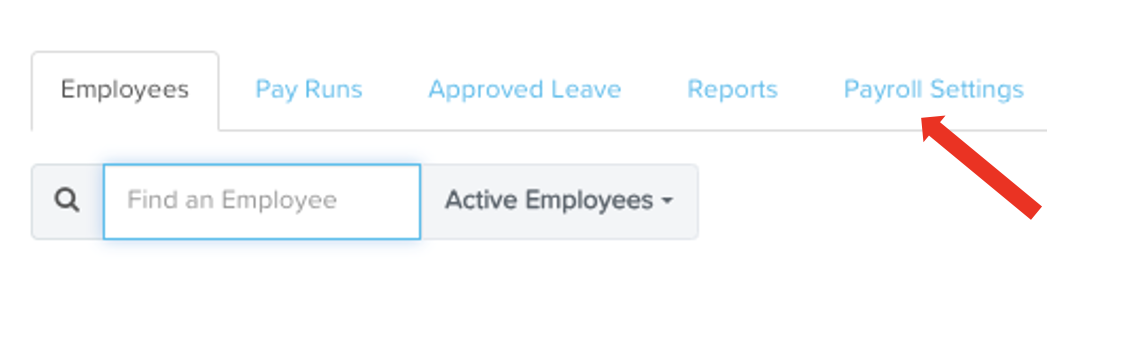
From the Ezipay dashboard screen, click on the Payroll Settings tab.
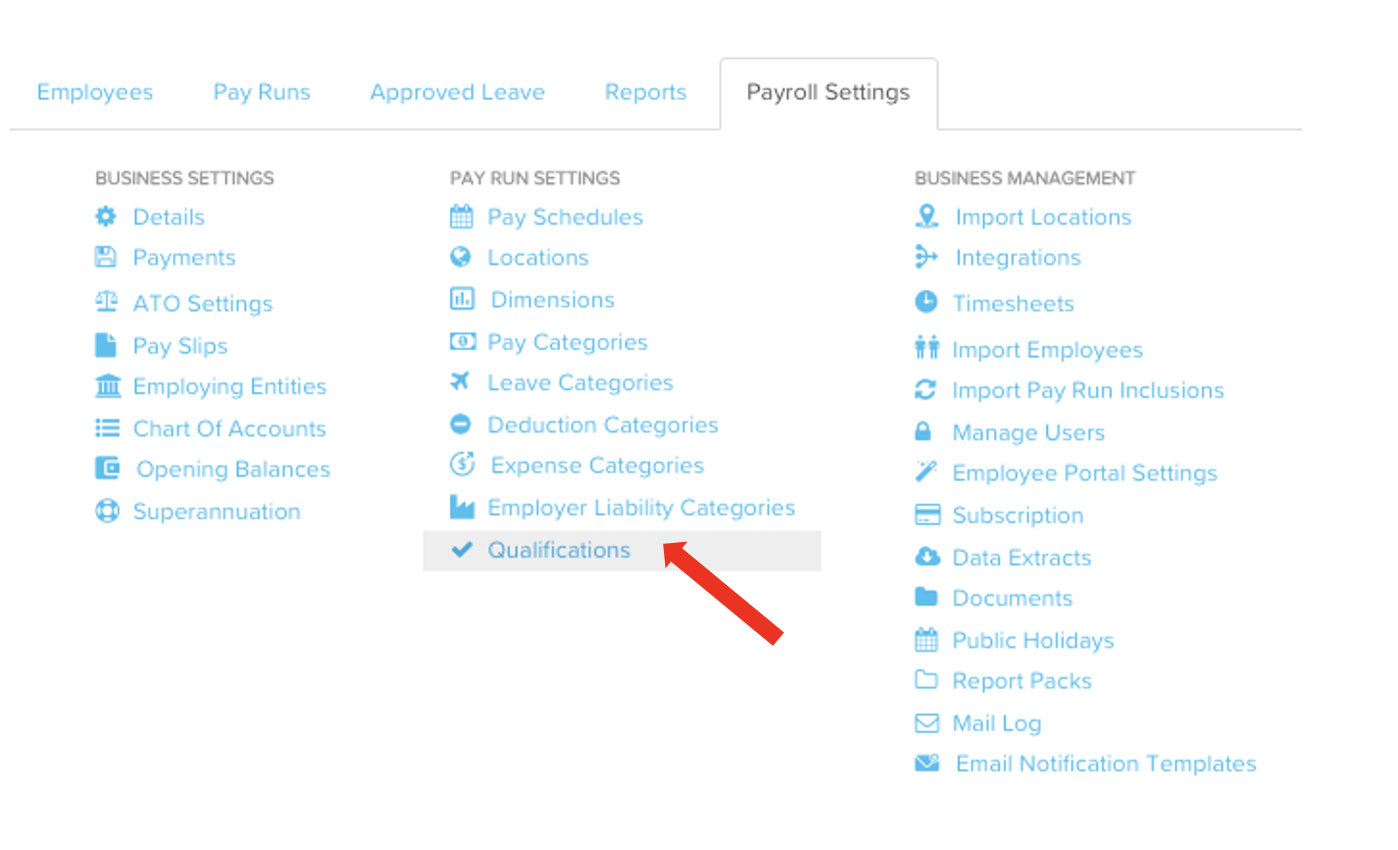
Under Pay Run Settings column, click on Qualifications
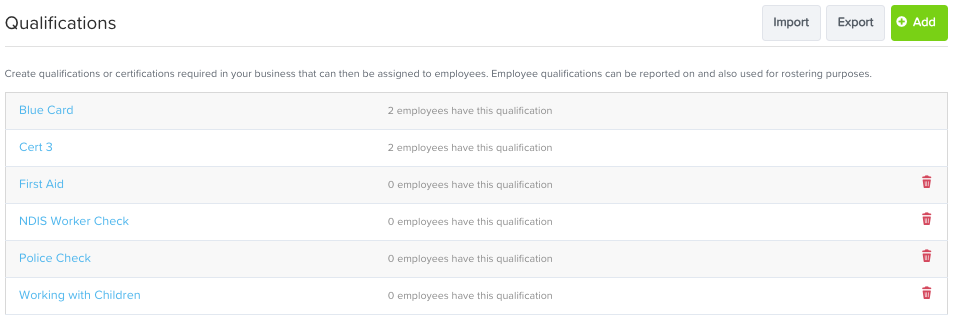
From the Qualifications screen, click on the green Add button.

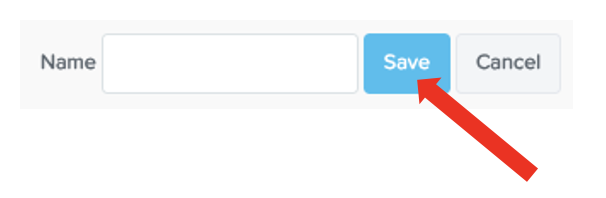
Input the qualification item name, then click on Save
You should see the item already added from the qualifications list. To delete a qualification item from the list, simply click on the red trash bin icon.
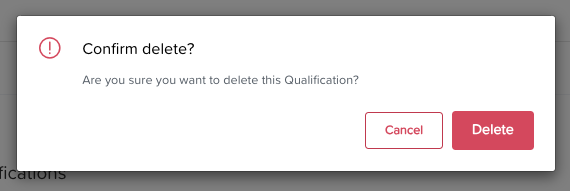
Click on Delete to confirm deletion.