

Employee Portal
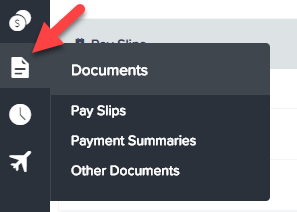
In order to download pay slips through the Employee Self Service Portal, you simply need to click the 'Pay slips' option on the left side of the screen:
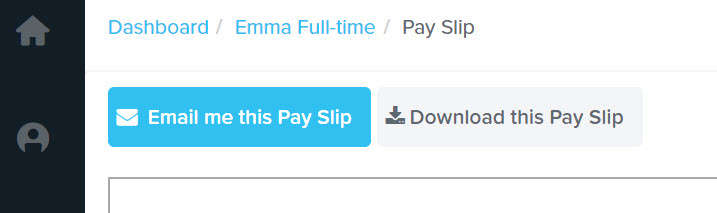
The next screen will allow you to choose the pay period for which you want to download a pay slip for.You simply need to click on the chosen date to open a new screen which is your pay slip. You also have the option to download the pay slip as a PDF, or have it emailed. The email will be sent to the address supplied in your employee details.

To learn more about how to manage your payslips through the EH Work app, click this link.