Payroll processing involves numerous tasks, from handling staff requests like salary sacrifice adjustments to ensuring timesheets are approved and funds are available. Missing key steps can lead to payroll errors.
With Pay Run Tasks, you can organise both recurring and one-time payroll tasks. Assign tasks to specific employees or the entire pay run to ensure all essential steps are completed.
Key Features:
1. Creating a task
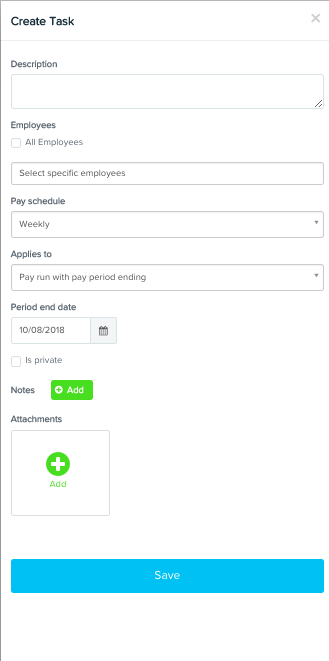
Click on create a task and fill out the fields below
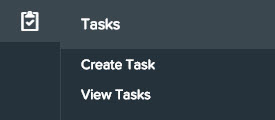
2. View/manage tasks
You can do a number of things from within View Tasks
Create a task
Create a Pay Run
View upcoming tasks
See a snapshot of tasks that have not been completed in pay runs
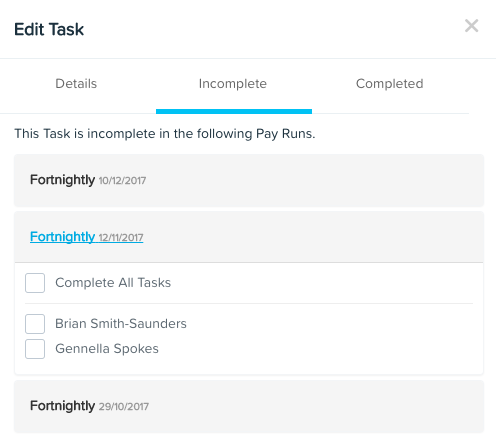
Mark a task as complete for a historic pay run
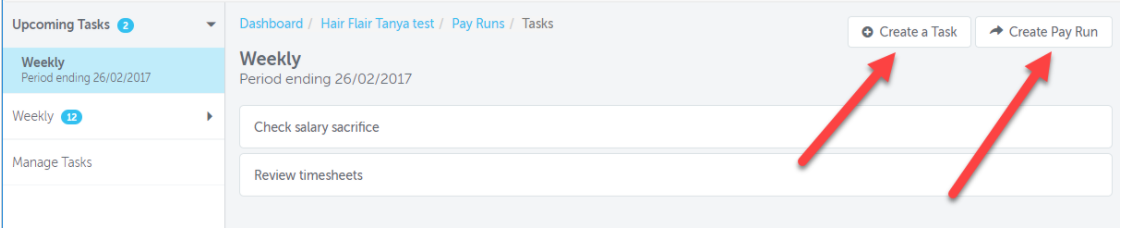
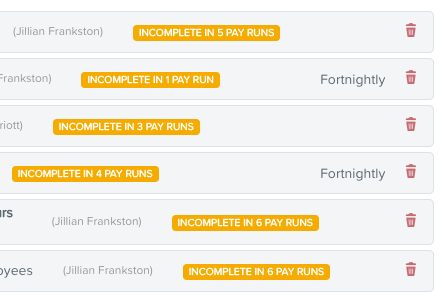
Click on a task to open the context panel and view its details. See which pay runs have had the task completed or not completed.
3. Tasks in the Pay Run
Pay run tasks can be found in the Tasks tab within the pay run. Click on the tab to see the list of tasks in the current pay run.

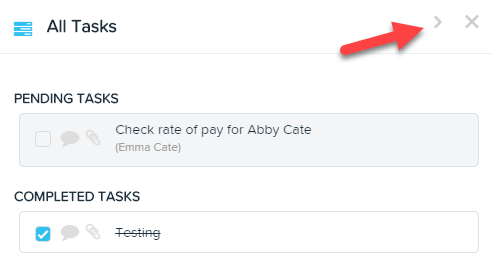
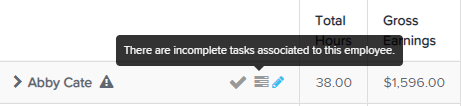
You will also see a task icon next to the employee's name if there is a task associated with that employee. Click the icon to view more details about the task.