

1. Create a New Pay Run or make your adjustment in the next scheduled pay run.
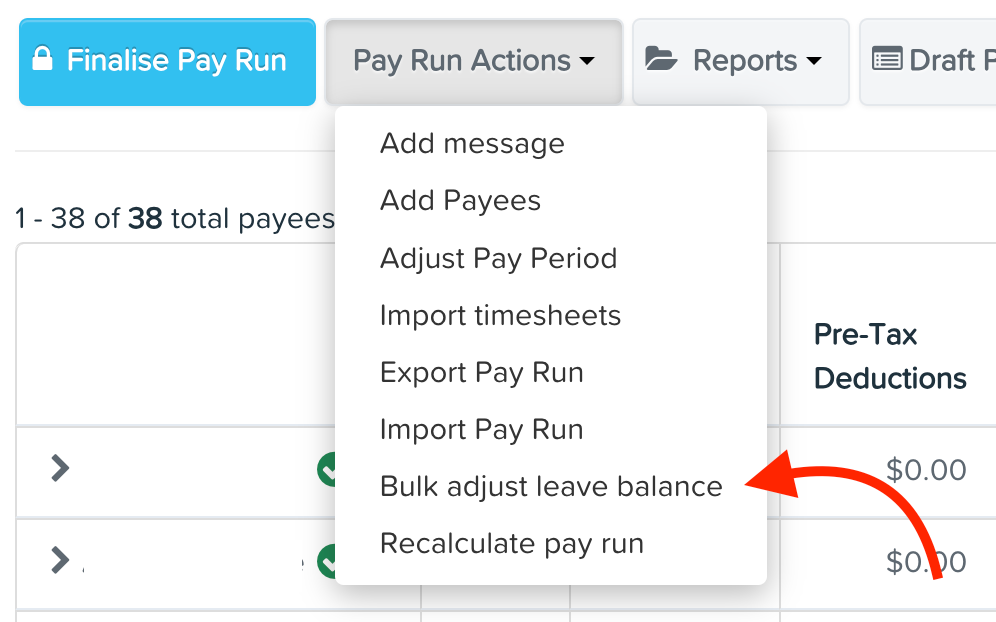
2. Go to the Pay Run Actions tab and select Bulk Adjust Leave Balance.
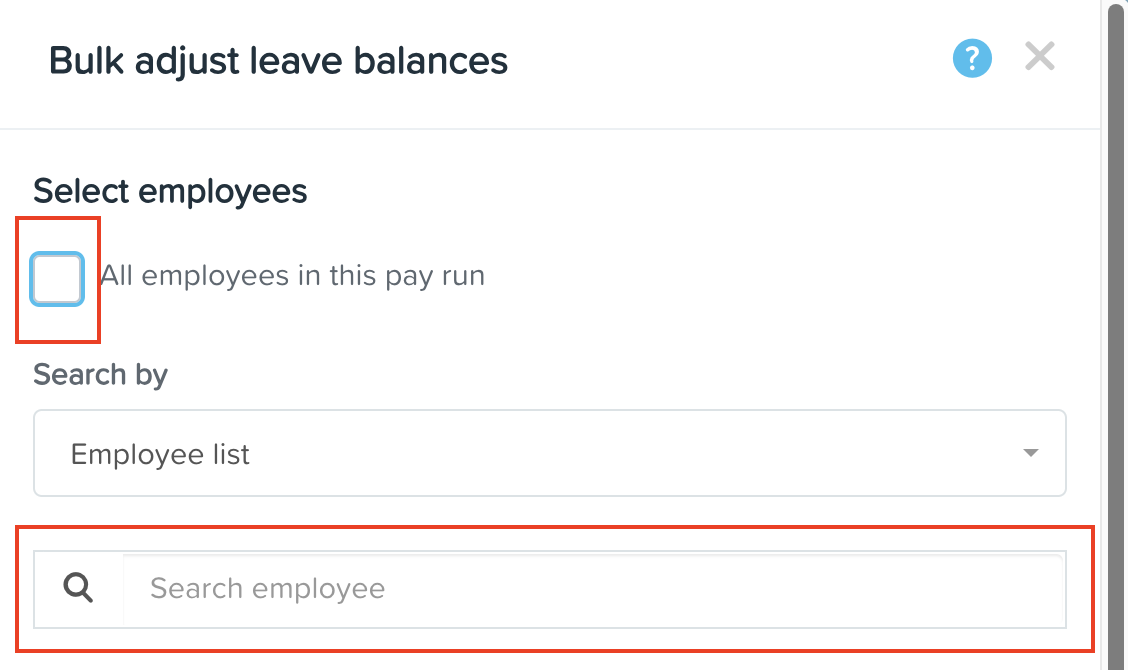
3. You can either select All employees in this pay run or individually type the name of the employee who requires an adjustment.
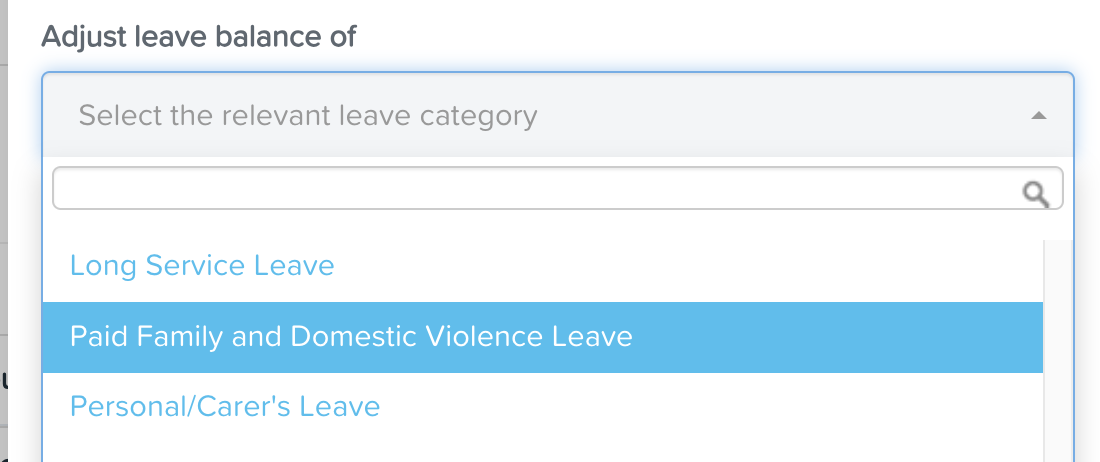
4. Choose the leave type to be adjusted, then click Save at the bottom.

5. Enter the new leave balance. Adjust accordingly if the employee has already used some of their leave credits.

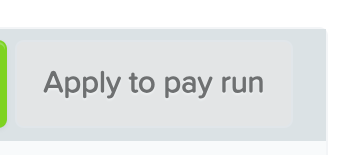
6. Click Apply to Pay Run.
7. If you need to adjust balances for other leave types, click Add Additional Leave Adjustments.

Once the pay run is finalised, the changes will take effect.
To confirm the updates, run an Employee Details Report and ensure All Leave Balances is included in the display columns.