Running overtime report each pay run cycle
Risks
Using Pay Categories report which has a huge range of pay templates - picking the correct pay types.
Having a correct date range
Ensuring both payrolls are reported at the same time
Use pay categories report
Pay runs must be finalised
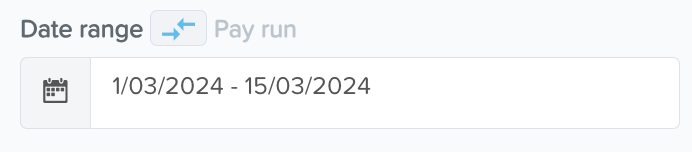
Use the date range option and enter the pay period start and end date
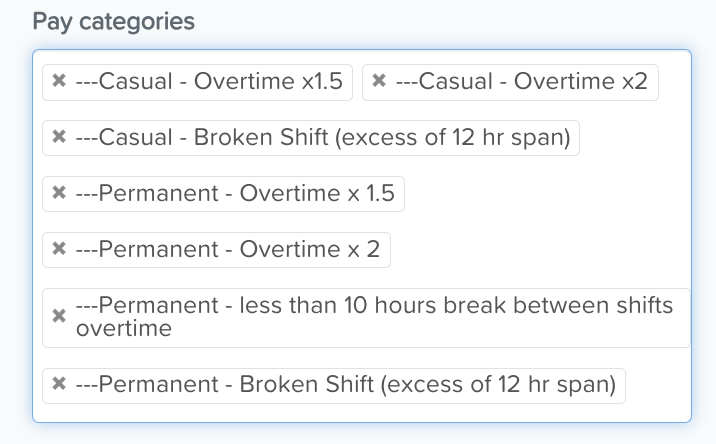
Select correct pay categories
Formatting must be exactly right so they match the awards used - look at spaces, where brackets are, small letters and Caps etc
Currently SCHADS only
Generate a pdf version ready to attach to delivery email.
Change name to YYMMDD Overtime report
Keep in the pay run folder
Once you're happy with your selection, click 'Run Report' or you may download the report (csv, excel or pdf file)