Exporting the employee list.
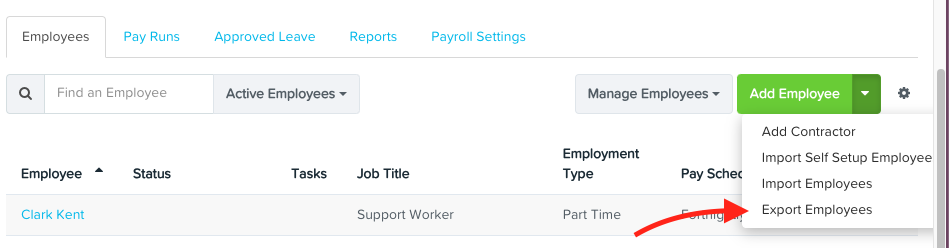
1. From the dashboard, click on 'Export Employees' from the Add Employee dropdown.
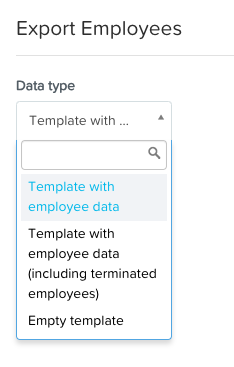
2. Select your data type.
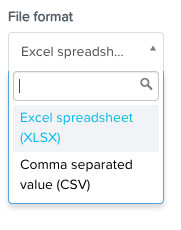
3. Select your file format.
4. Click on 'Download'

Importing the employee list.
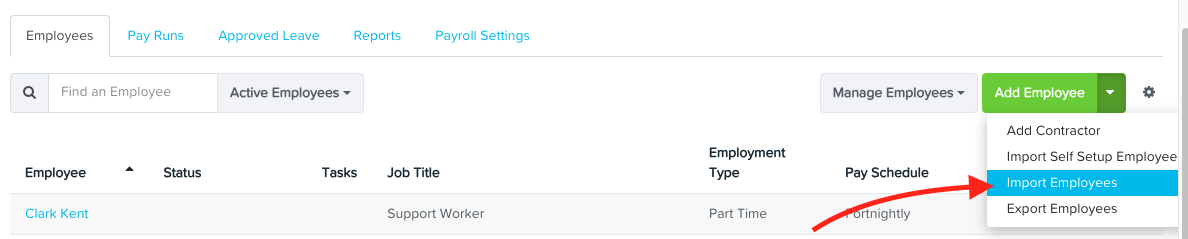
1. From the dashboard, click on 'Import Employees' from the Add Employee dropdown.
2. Select a file format.
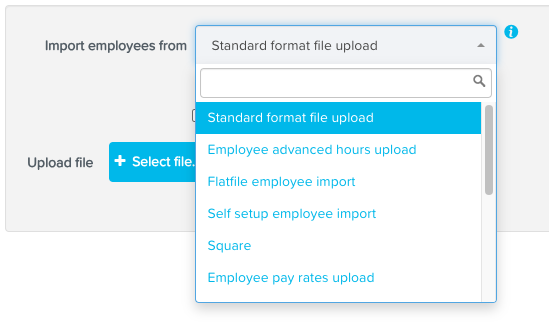
3. Click 'Select file' to upload a file.

4. Click on 'Confirm upload'