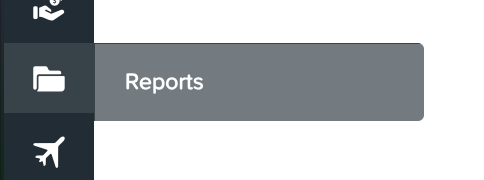
To access the detailed report on your staff's total earnings, click on the Reports icon on the left side panel
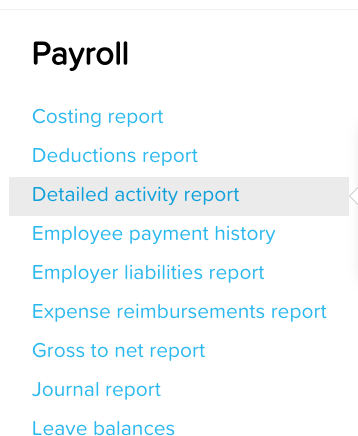
And then go to Detailed activity Report
Put in the name of the employee and the time period needed - click on run report. It will show you the same columns as we do for statistics so you can see gross earnings, payg, super etc.
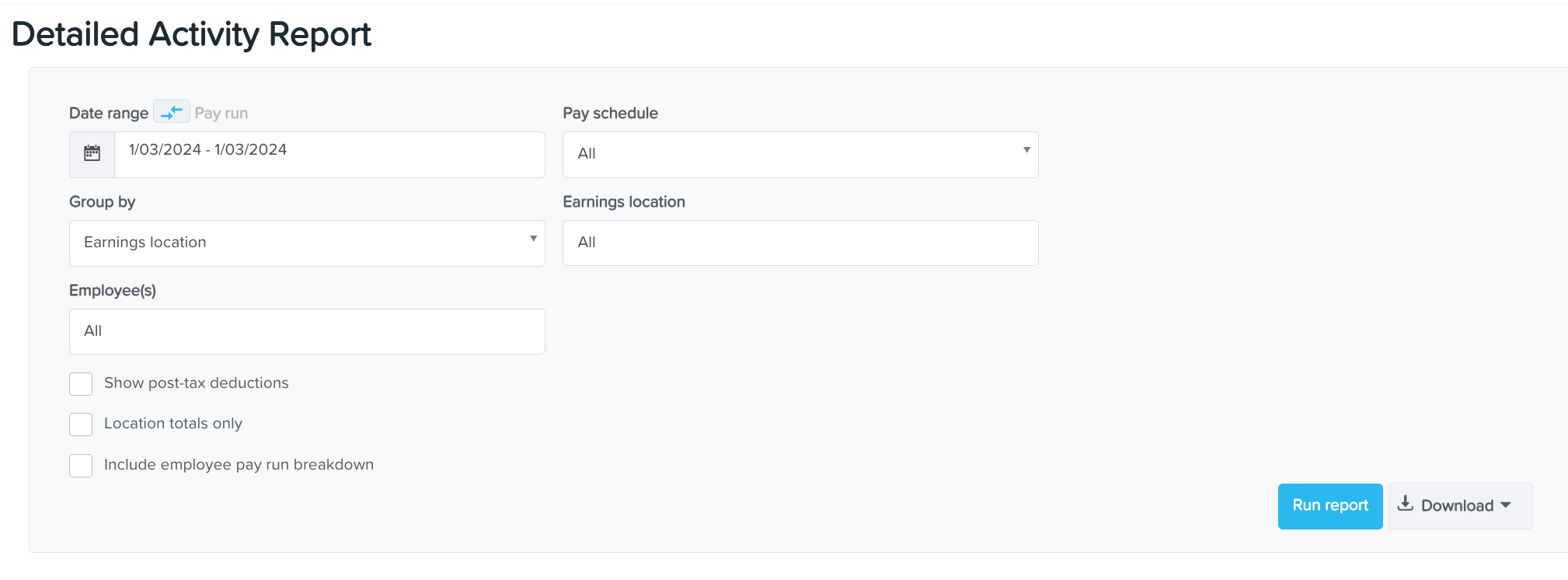
For the time period, you are given the following options:
This month (Current month)
This quarter to date (current quarter)
Last Month
Last Quarter
Financial Year
Last Financial Year
Custom Range
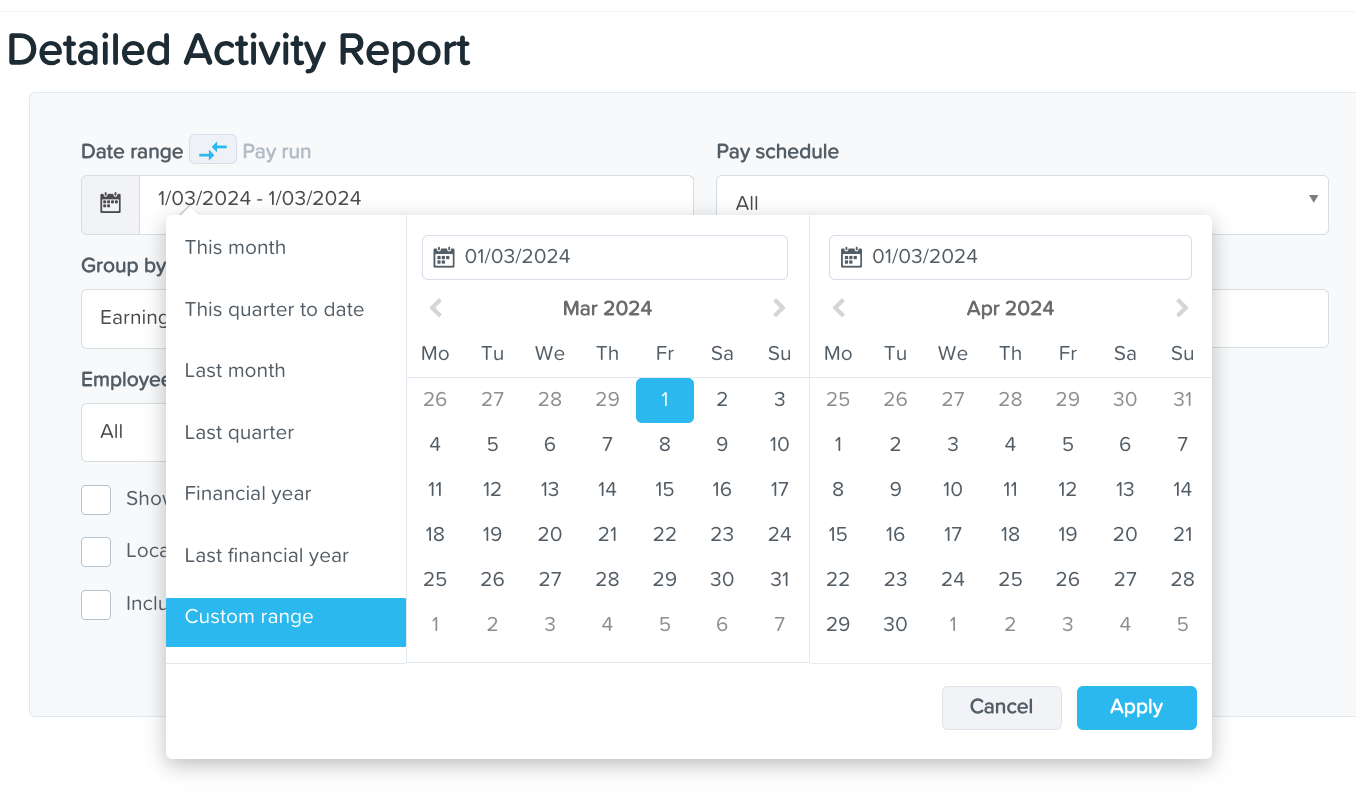
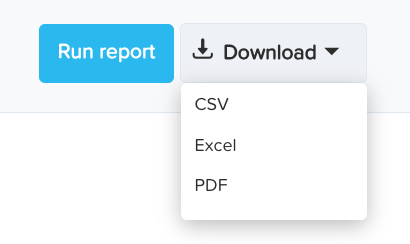
Once you've entered information necessary for the report, click Apply and then Run Report or hit Download if you want a digital copy (csv, excel or pdf format).