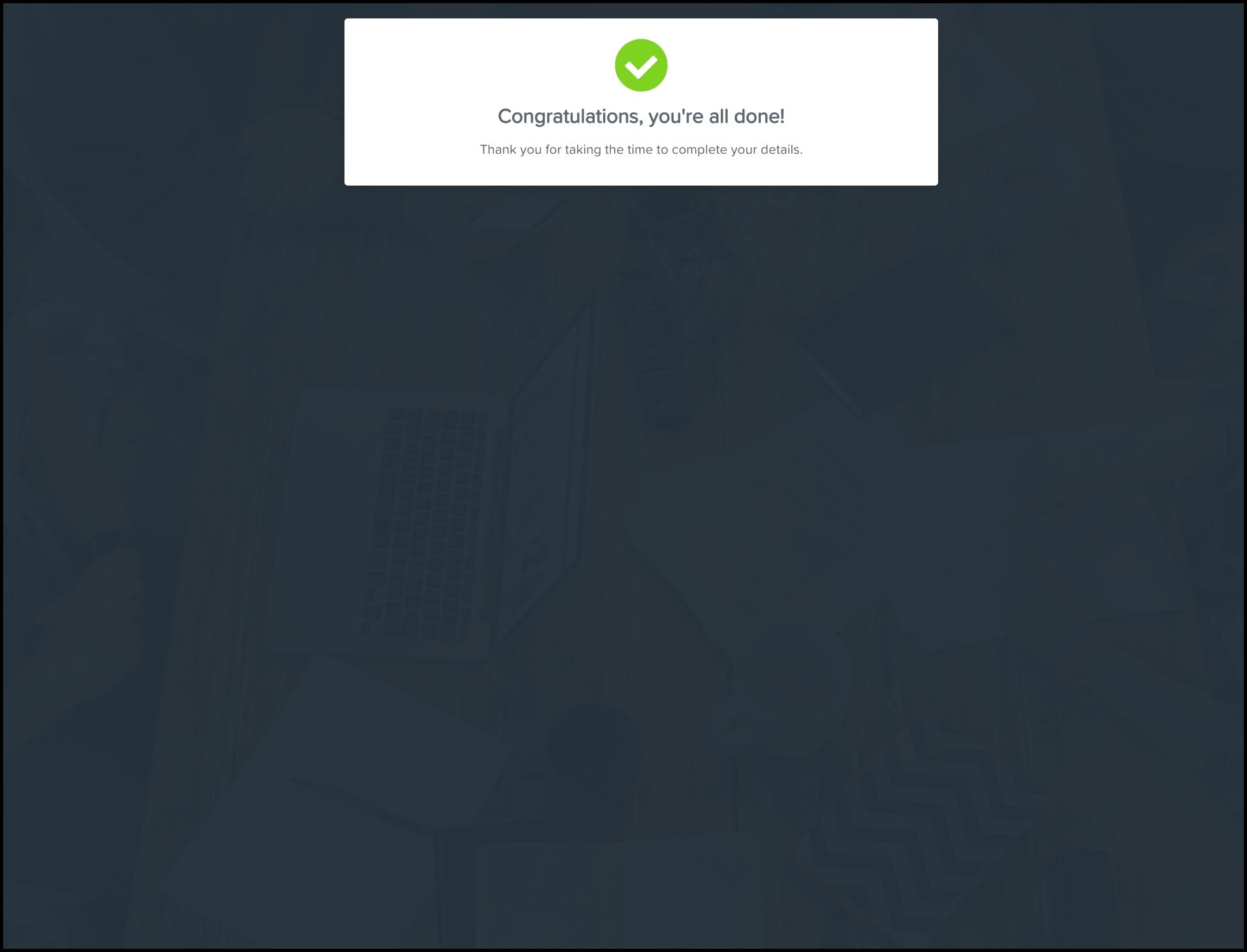
Open the Employee Self Setup email in your inbox.
Click the Setup my employee file button.
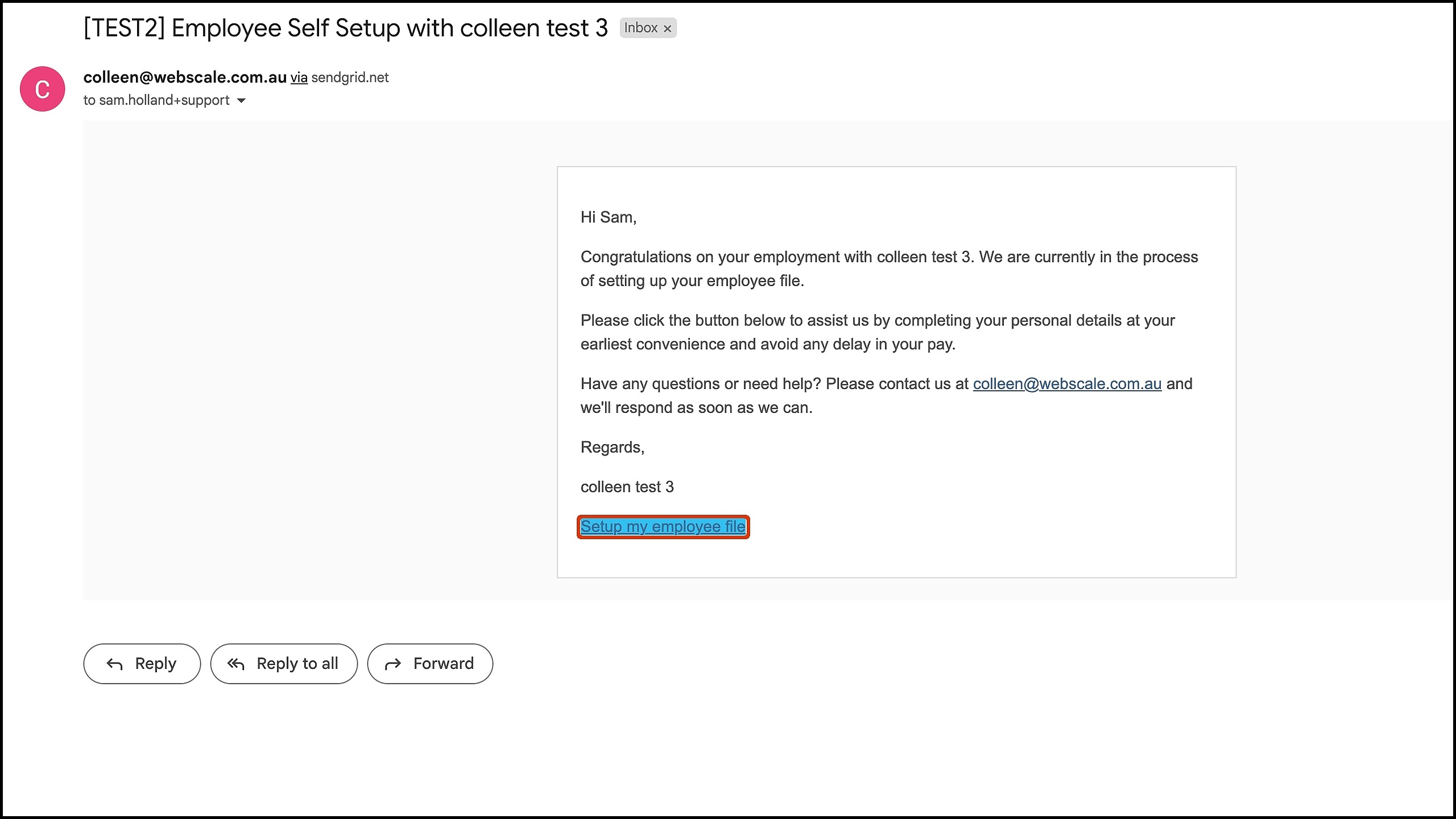
Enter your personal details. (If you want to have an easy superfund re-enrolment process at any point, the Yes toggle near the bottom of the form is recommendable.)
Click the Next Step button
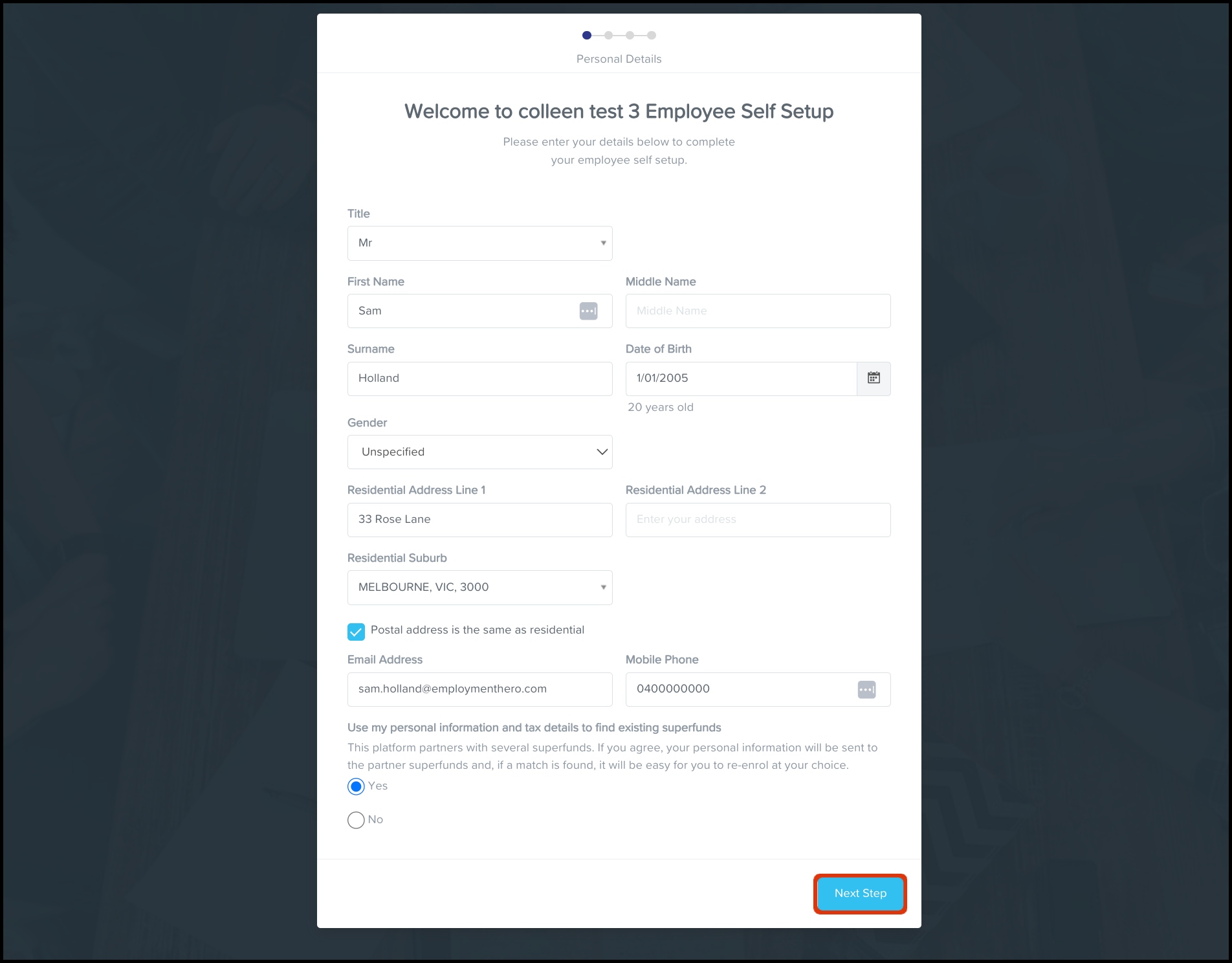
Enter your Tax File Declaration details then click the Next Step button.
Enter your banking details.
(Optional) Click the Add another account button and fill in the fields if you have more than one set of banking details to include.
Click the Next Step button.
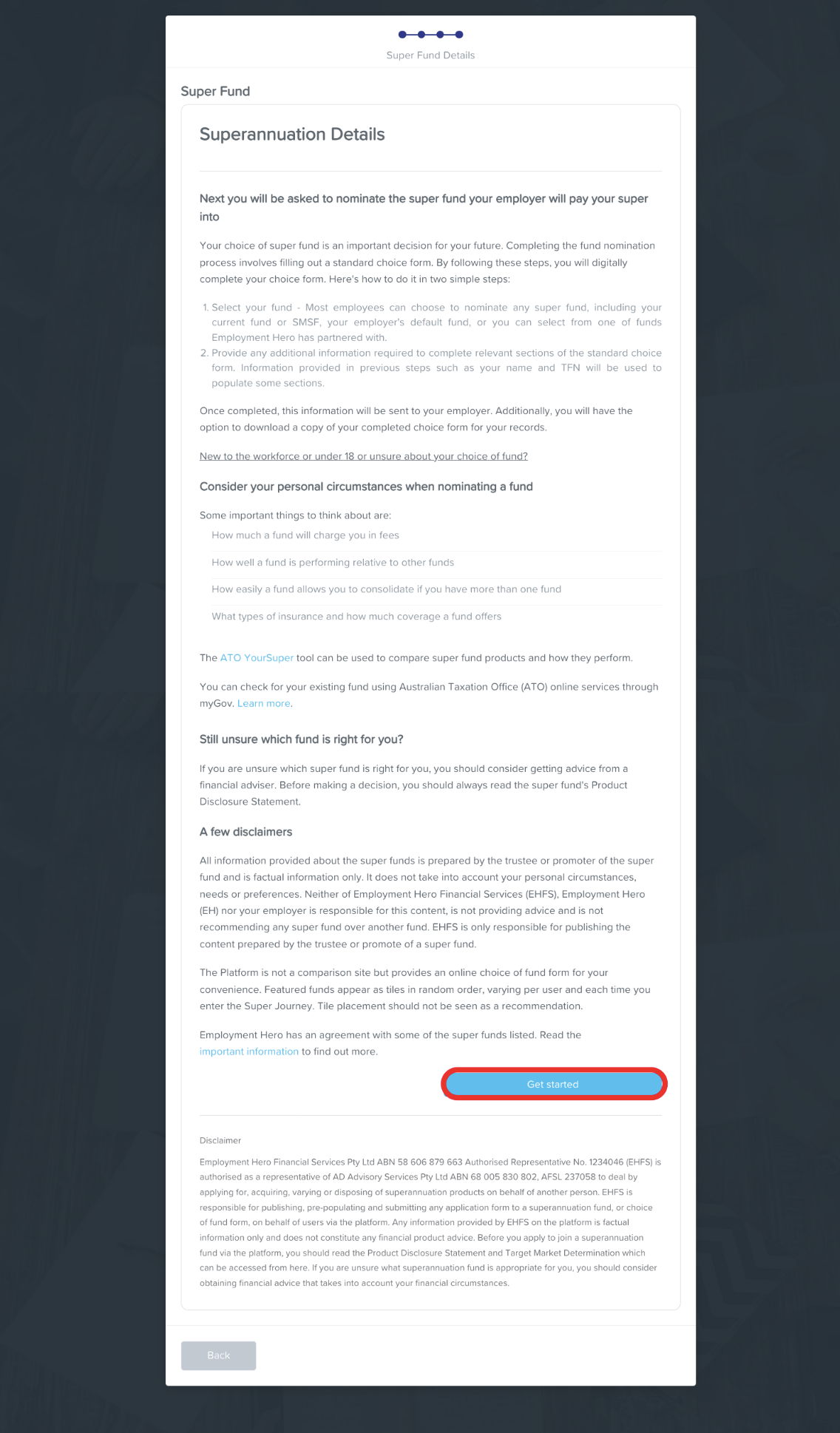
Ensure you are satisfied with the information on the Super Fund Details page, then click the Get Started button.
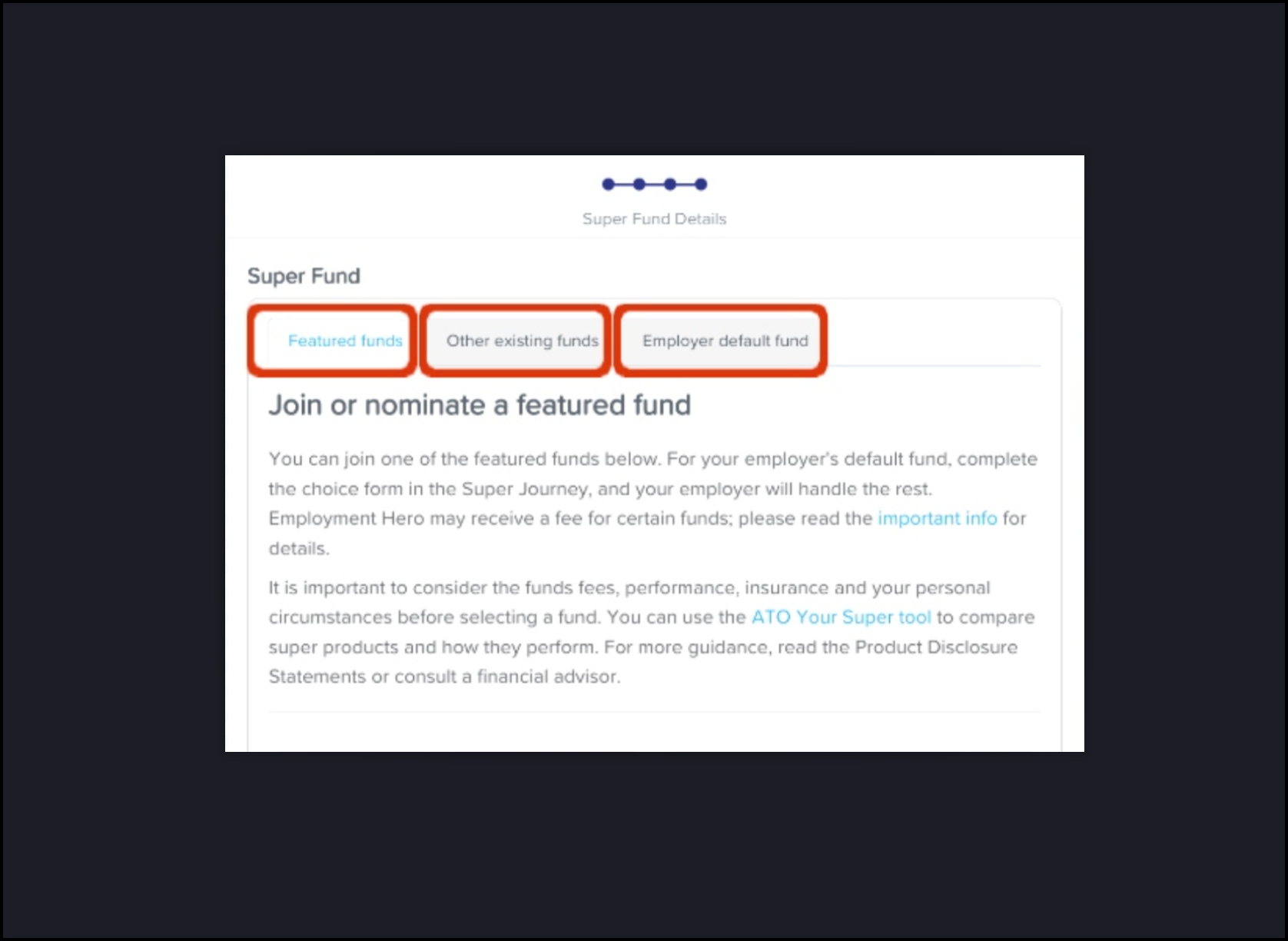
Select either the Featured funds, Other existing funds, or Employer default fund tab. (By default, you will initially be on the Featured funds tab and see a selection of featured funds accordingly.)
Find the super fund you want to choose.
Follow the instructions and complete the form fields (these will vary depending on your chosen super fund).
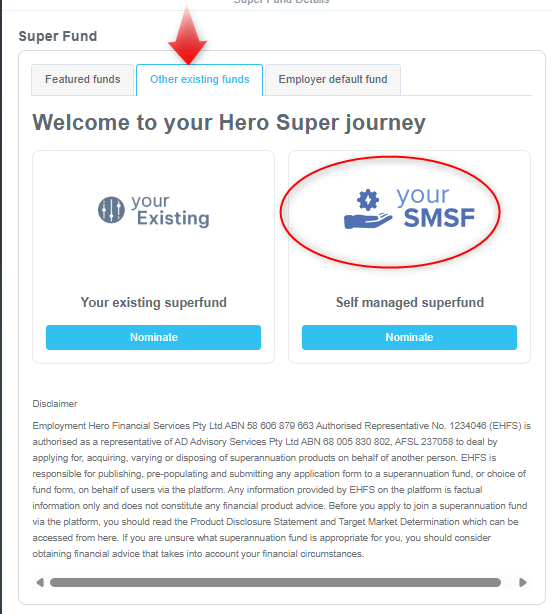
Note: For self-funded super funds, choose the Other existing funds tab and on there should be "Your SMSF".
When you have reached the penultimate page, click the Continue button (or otherwise it will be called the Next step button).
You will now see a confirmation page in your browser. Check your inbox to find a confirmation email and to learn more about your chosen super fund.