
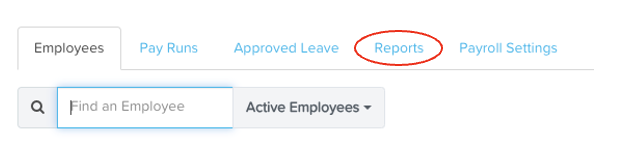
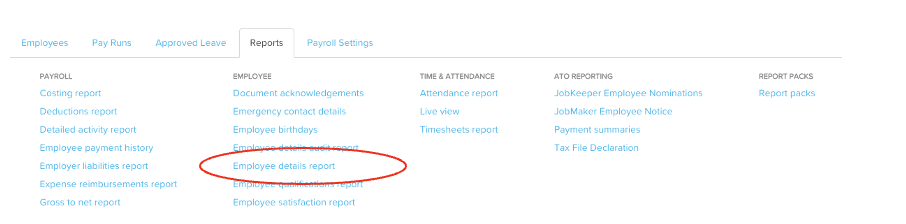
From your Ezipay Dashboard, go to Reports and then click Employee Details Report.
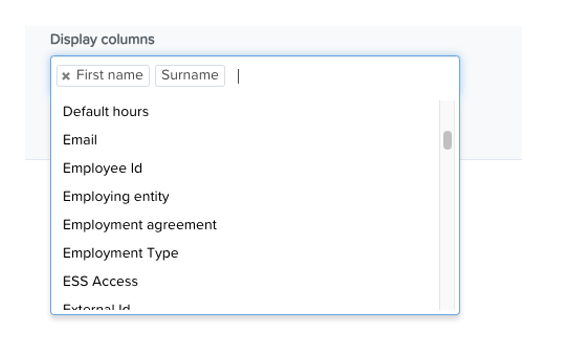
From the display columns, remove external ID and add Employee ID.
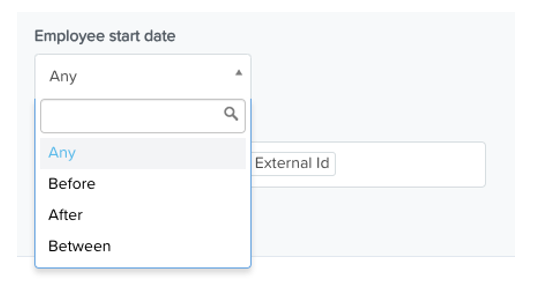
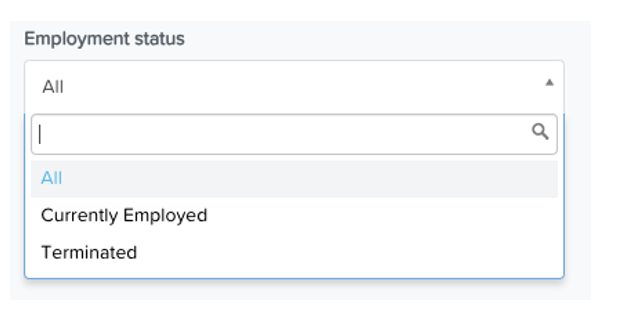
Change Employment status to Currently Employed, input the Start date (you may input the date from when you last generated a report)
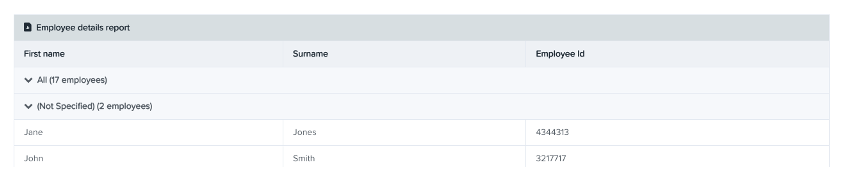
For quick results, click 'Run Report' which will give you a result of the specifications input, or you may also generate and spreadsheet report by clicking 'Download'.