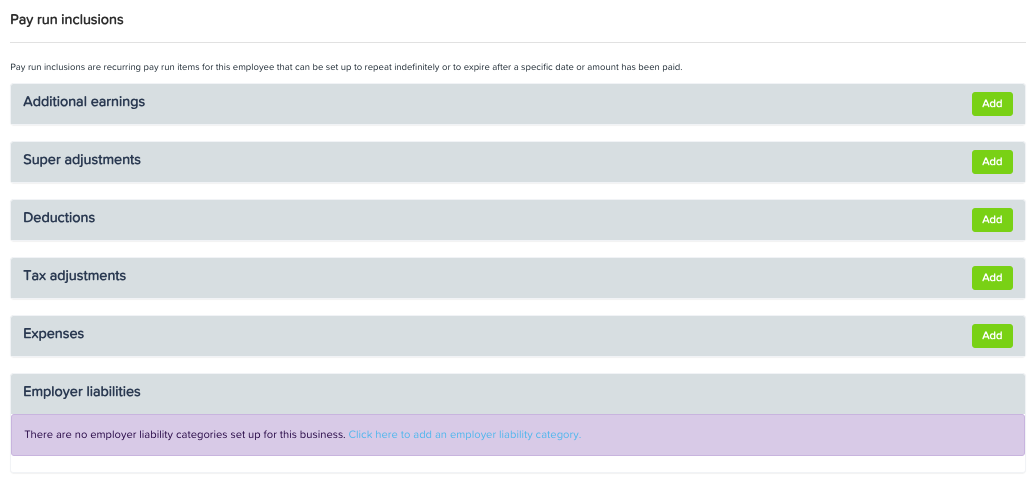
An employee’s tax settings can be changed from the Tax File Declaration section of their Employee Details. Once you have opened the appropriate profile, go to the Tax File Declaration option in the menu.
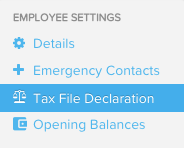
From this page, you can change the tax file number and related settings: employment type, any tax calculation options - such as whether they have STSL debt or are claiming the tax free threshold.
You can also lodge when an employee fills their tax file declaration from this page (if this is done after the employee is initially included in the system at the bottom of this page.
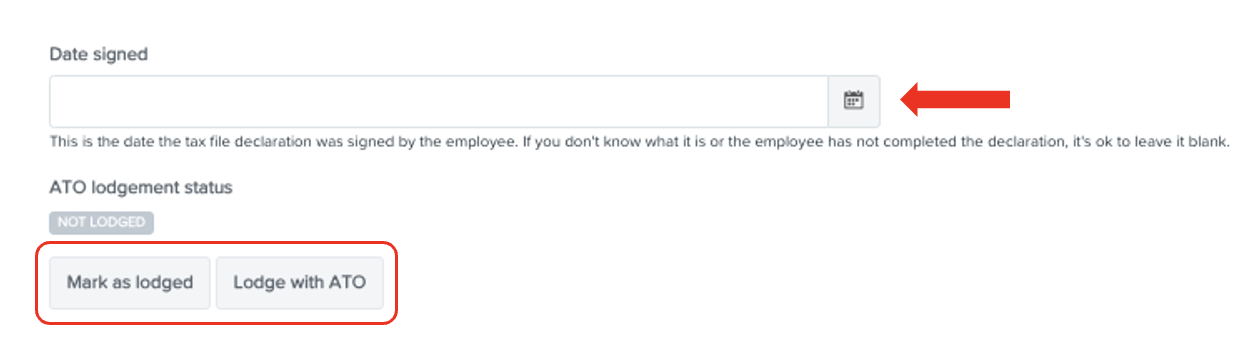
For any tax-related adjustments that need to be made on weekly basis, navigate to the Pay Run Inclusions section of the employee details page using the menu.
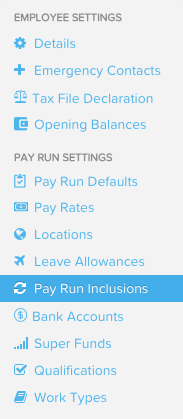
From here, you can click the green "Add" button to the right and create any Tax Adjustments or Deductions. This will then appear in the pay run automatically each week as required.