

Log into the EH Work app on your Android or iOS device.
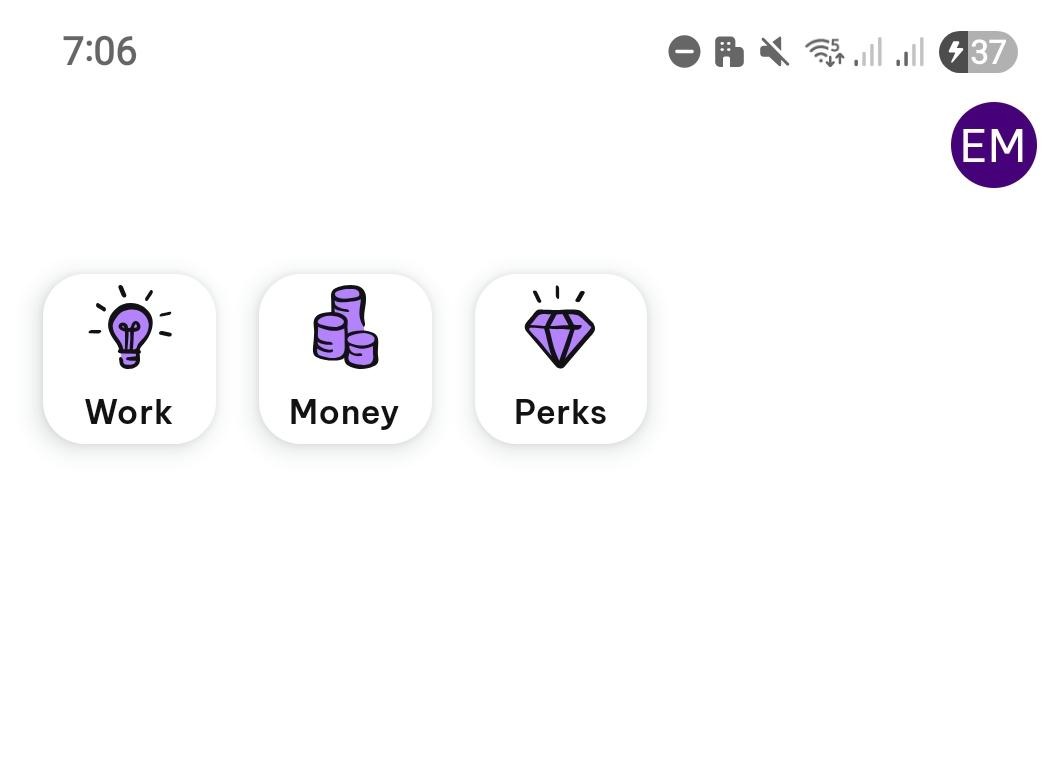
Tap on the Work icon.
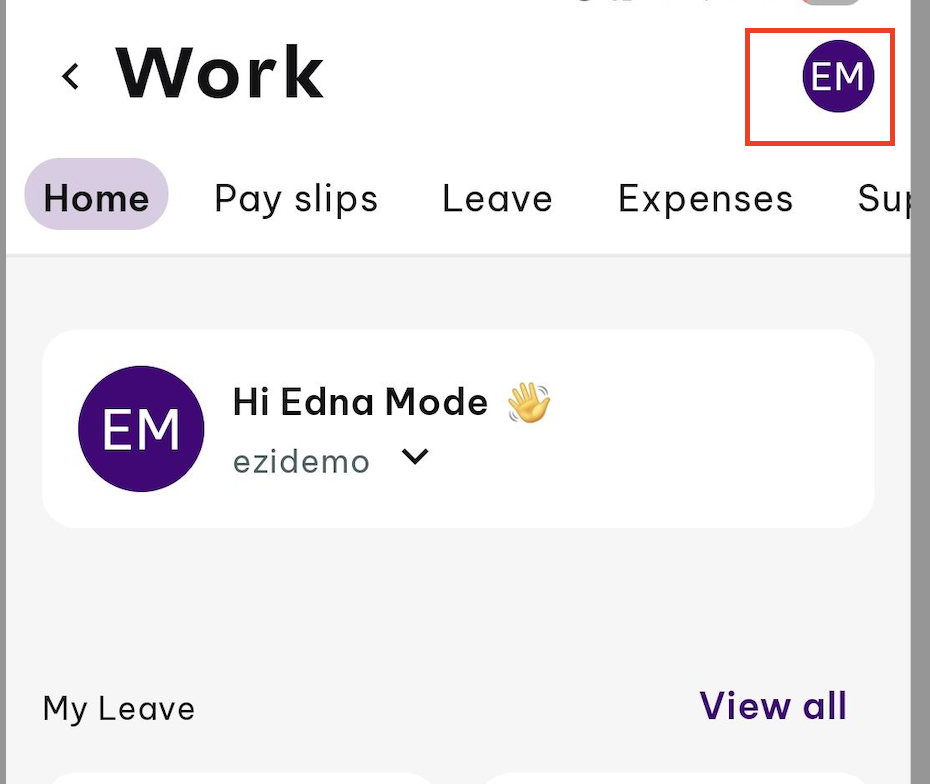
Tap on your profile photo icon or initials in the top right-hand corner.
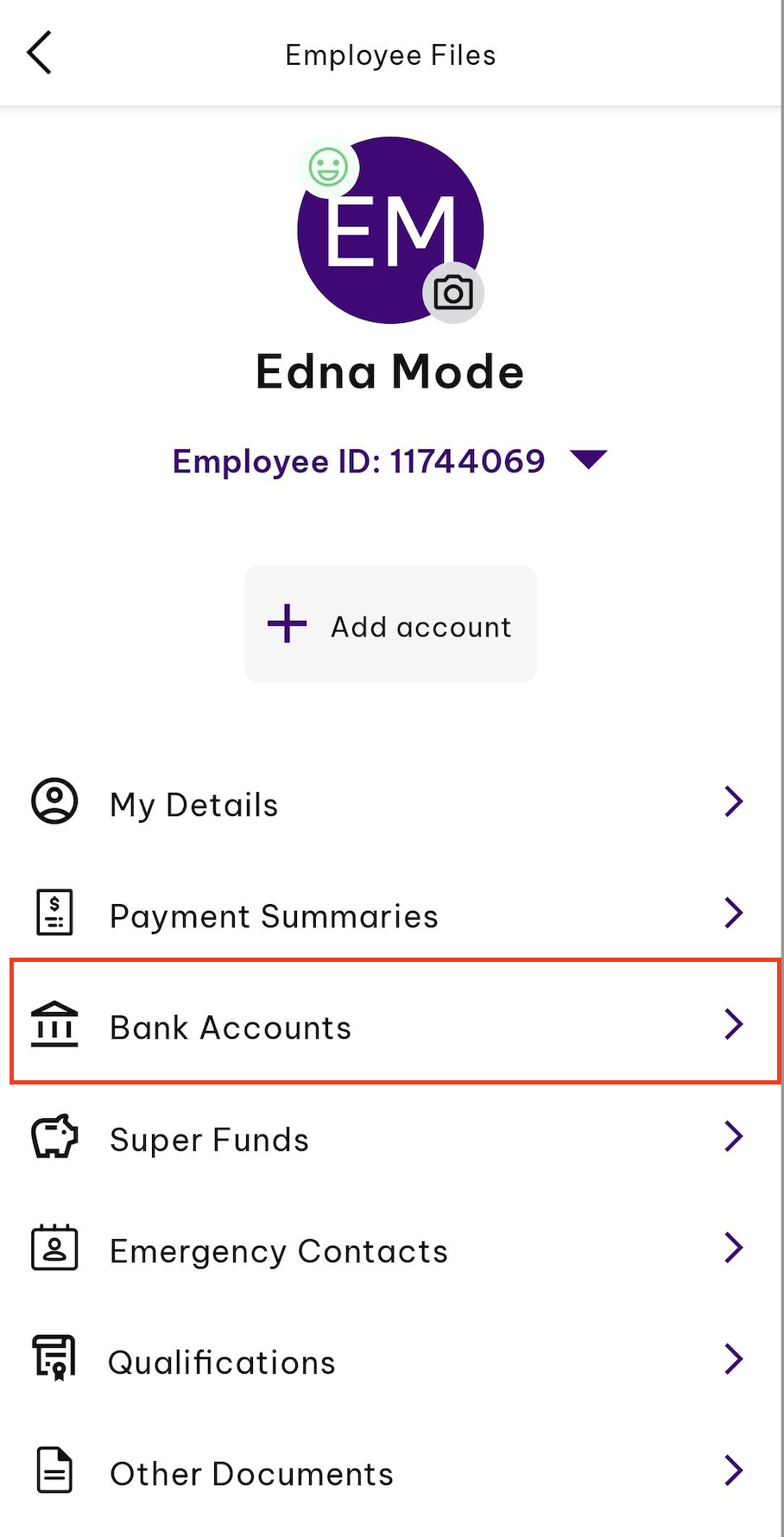
Select Bank Accounts.
You will see any bank accounts you are paid into, and view how much is paid into each.
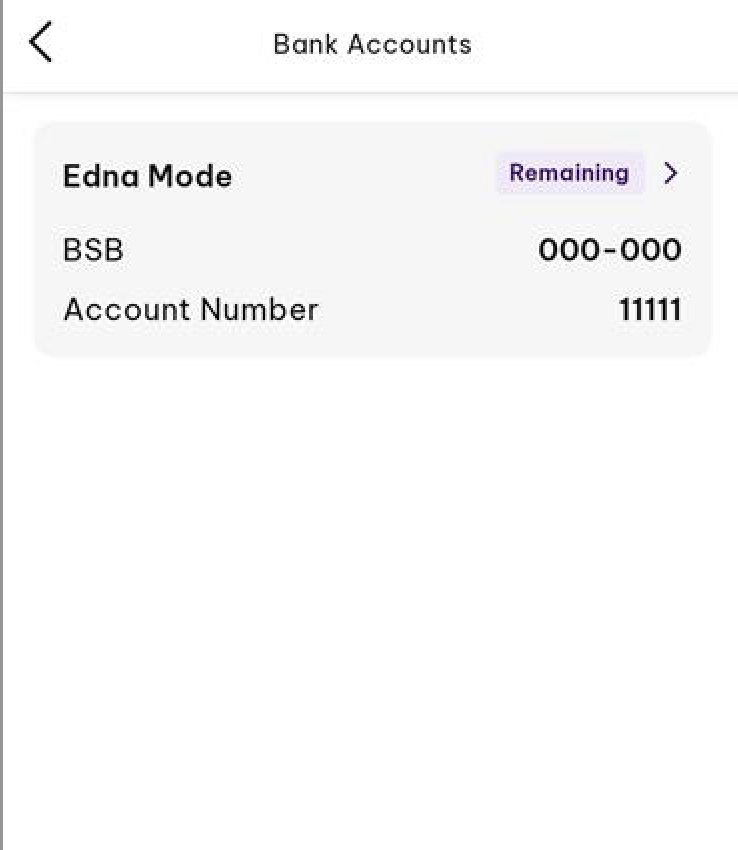
Note: You are only able to view your bank account details here. If you wish to edit your bank account details, kindly reach out to your management team.