

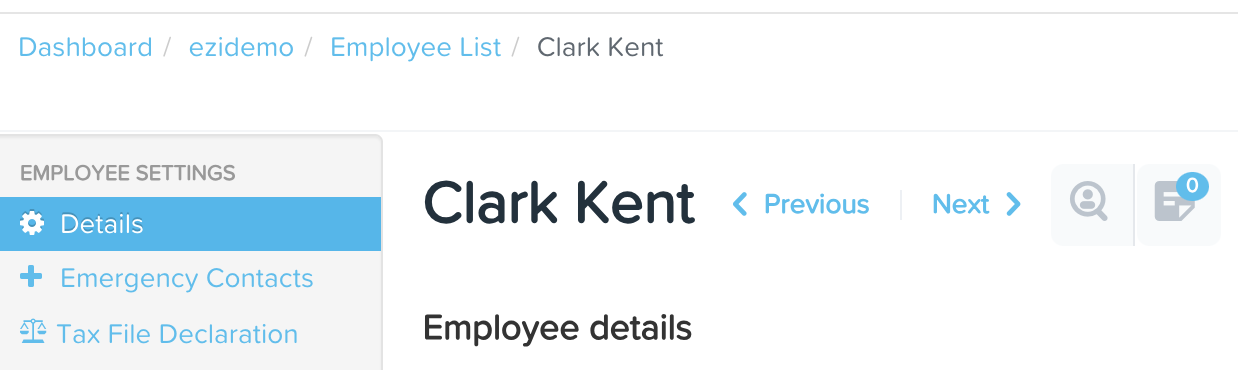
Go to the employee's file, click on the 'Details' section.
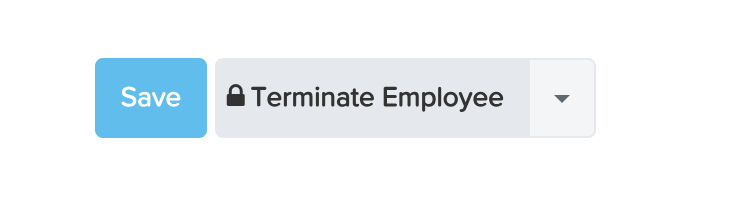
At the bottom of the page, you will see a 'Terminate Employee' button. Clicking this button will bring up a pop-up box in which you need to enter the termination date. There will also be an option to select a termination reason.
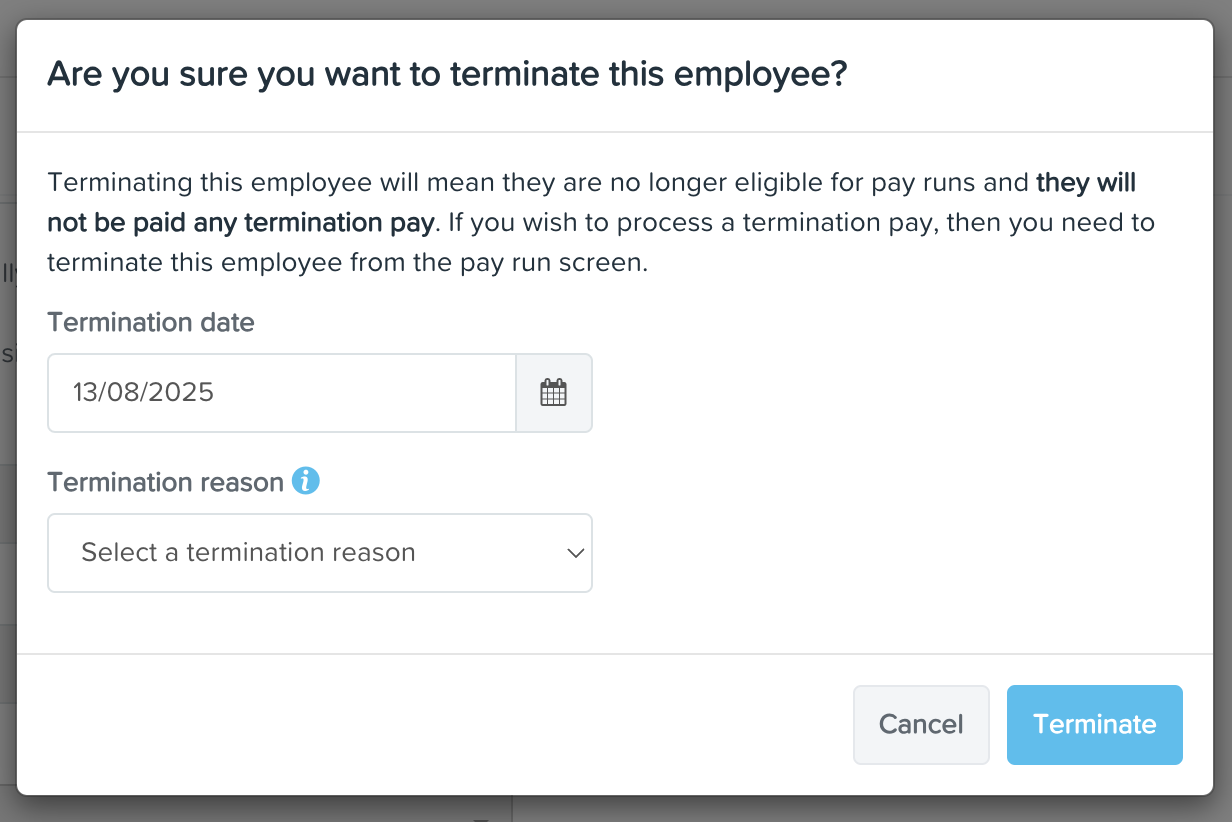
From here, you can then select the 'Terminate' button which will terminate the employee and mark them as inactive.
Note: Employees terminated outside a pay run will still be included in the pay run corresponding to their termination date