Articles

Ezipay Automated Payroll

Get help straight from our team...

How to Export and Import Payroll Journals Between Ezipay and MYOB

Payroll Processing

How to Export and Import Payroll Journals Between Ezipay and MYOB

Learn how to easily export your finalised pay run journals from Ezipay and import them into MYOB, ensuring your payroll data is accurately recorded in your accounts.

Last updated on 23 Jul, 2025


Exporting the pay run journal.

  1. Go to the Pay Runs tab, and select the pay run.

  2. Click Export to MYOB.

Image
  1. The system will generate a .TXT file formatted for MYOB, ready for import.


Importing into MYOB

  1. Open MYOB.

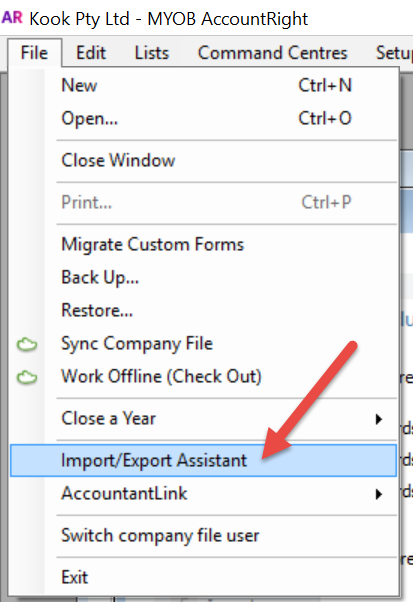
  2. Click File in the top left corner and select Import/Export Assistant.
2017-08-29_13-00-56.png
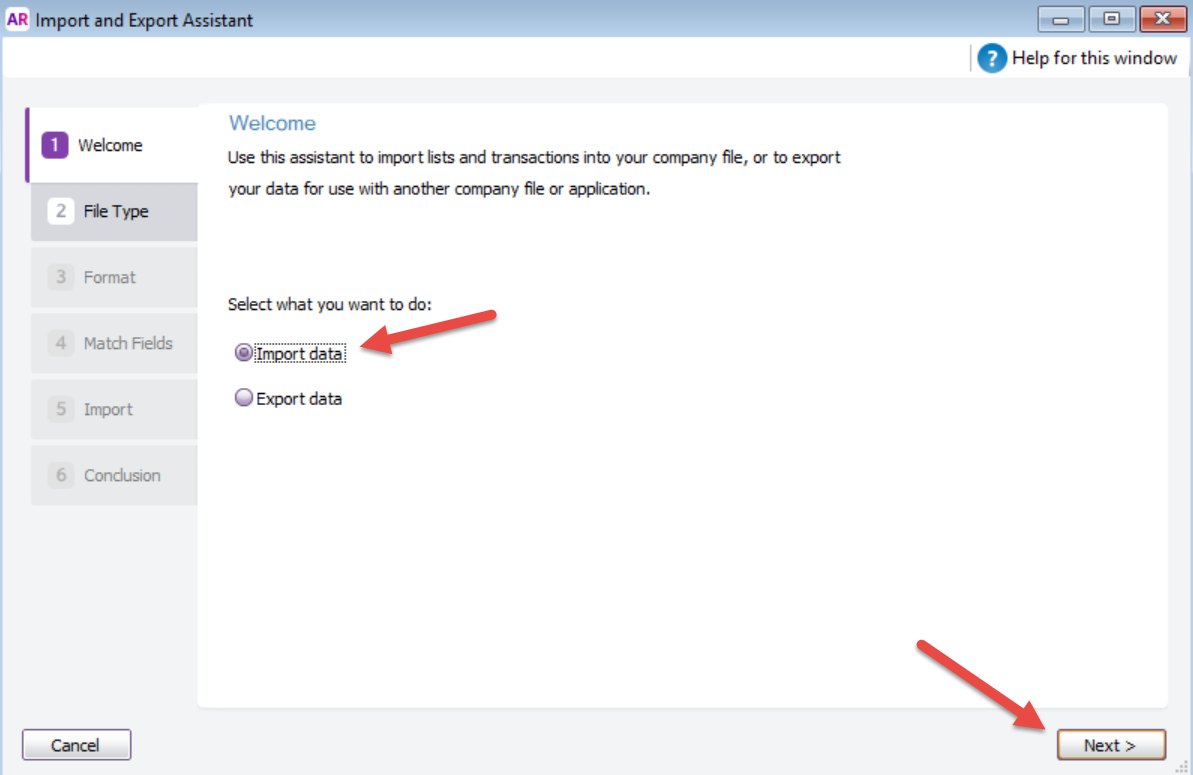
  1. Choose Import Data and click Next.

2017-08-29_10-50-20.png
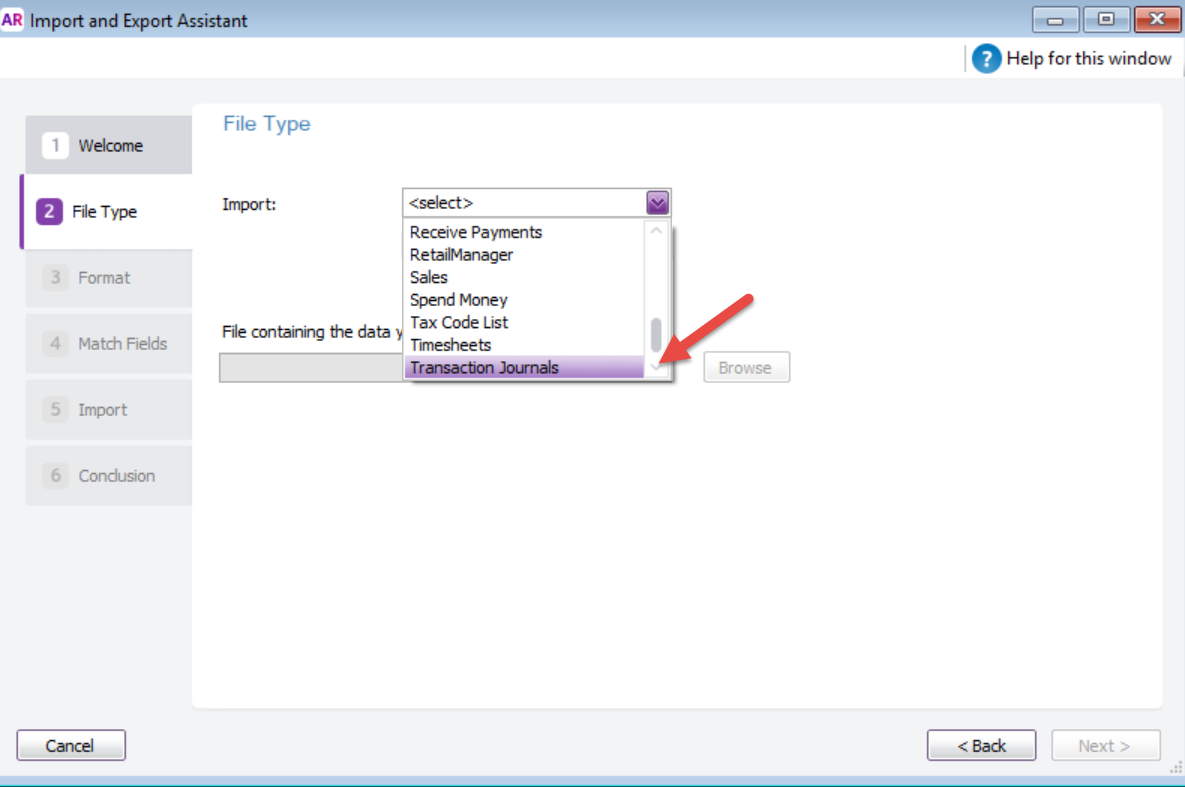
  1. Select Transaction Journals from the import options and click Browse to locate and select the .TXT file you exported from Ezipay.

2017-08-29_13-40-42.png
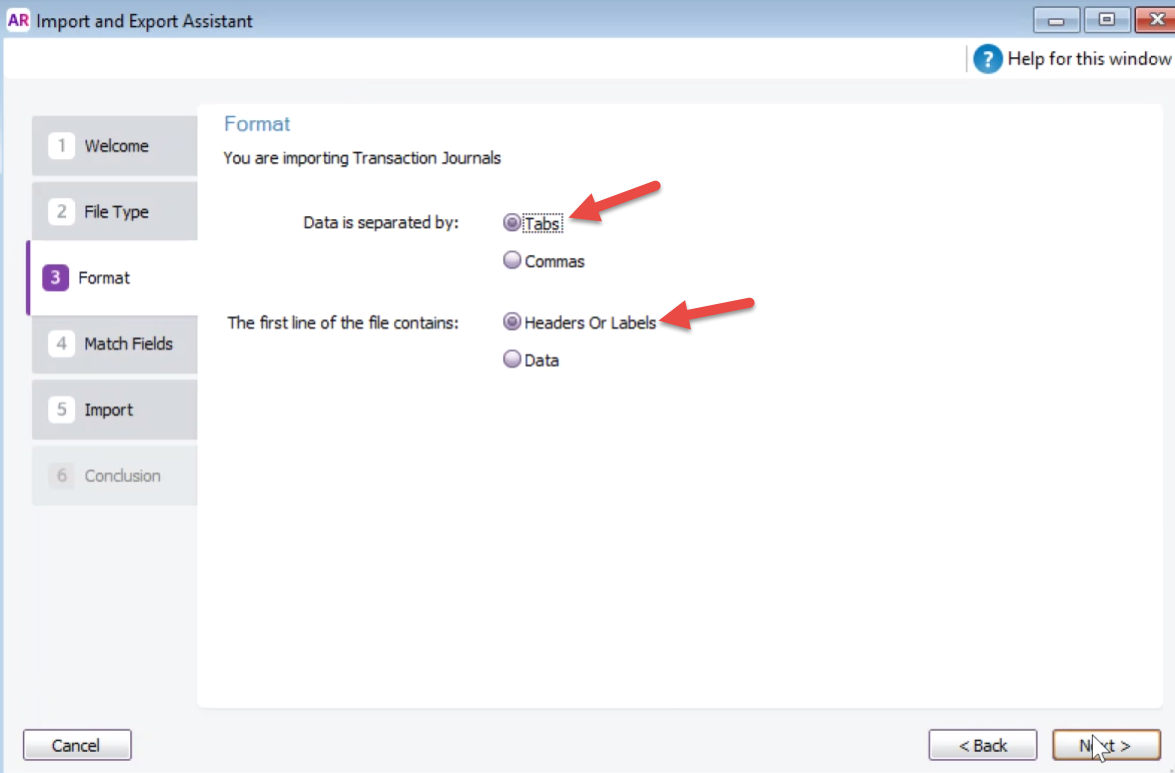
  1. Ensure Tabs and Headers or Labels are selected as your format options.
2017-08-29_13-52-01.png
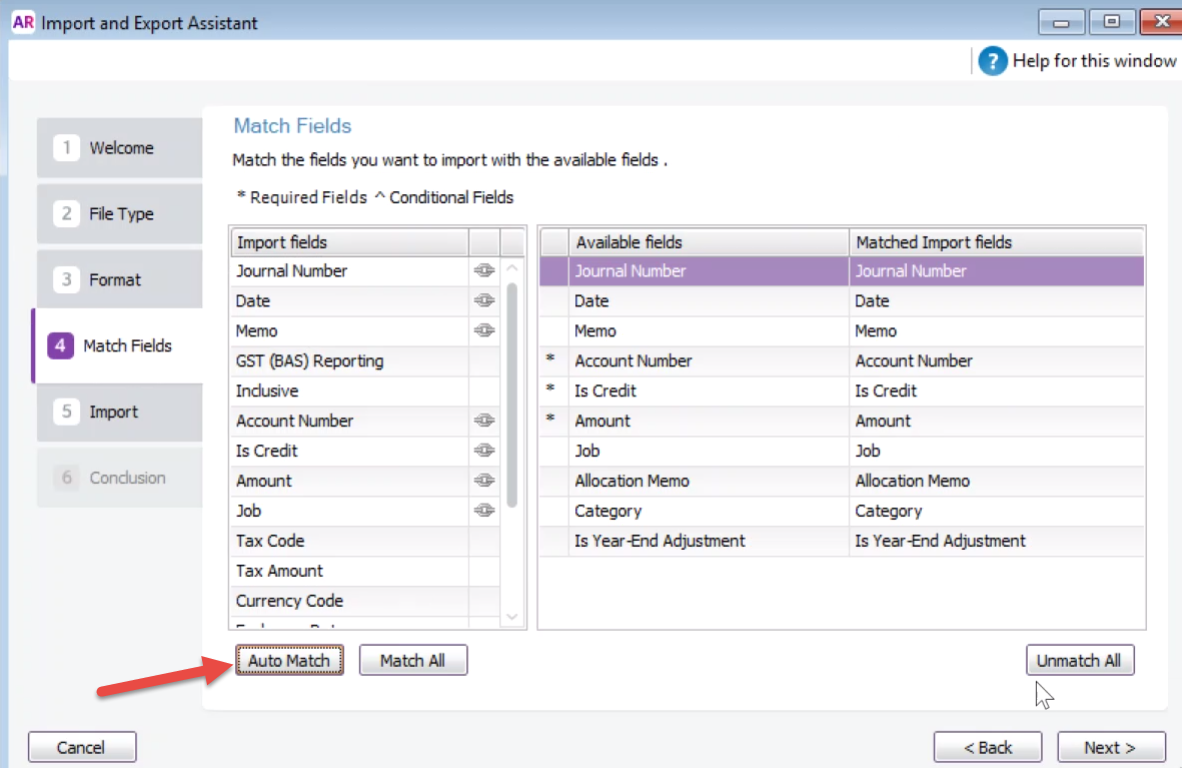
  1. Choose Auto Match to align fields automatically.
2017-08-29_13-54-17.png
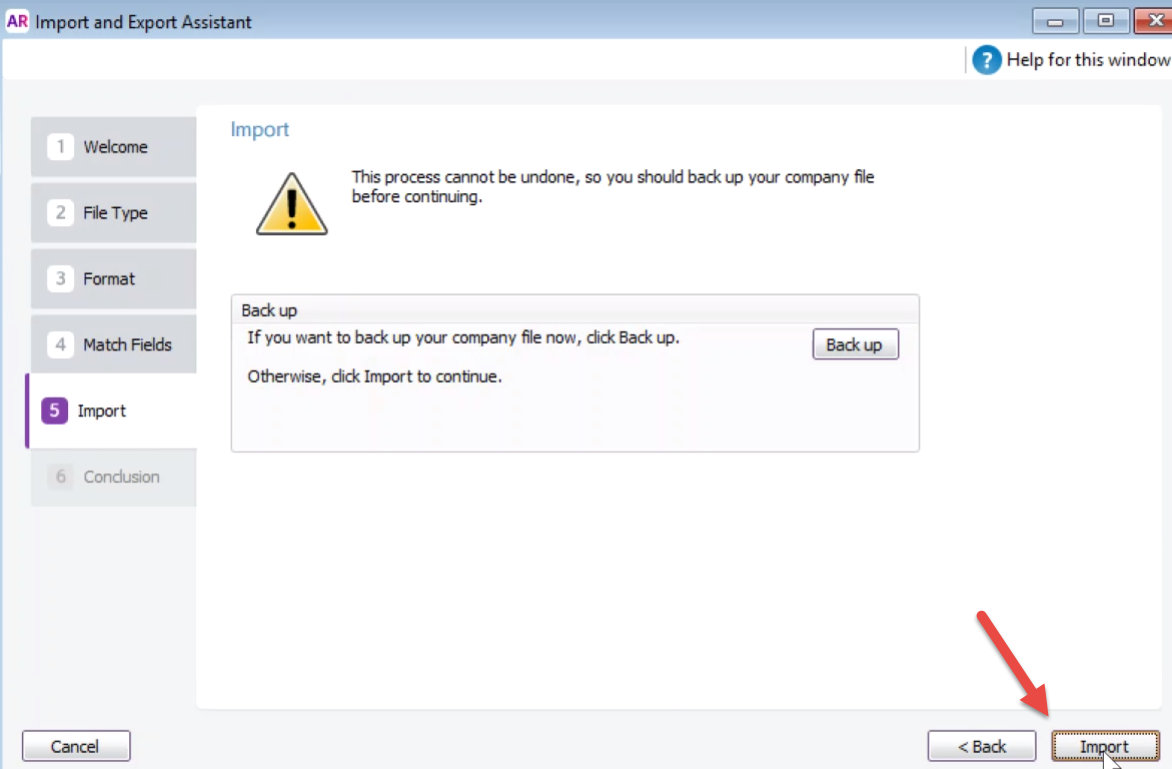
  1. Click Import (consider backing up your data first if needed).
2017-08-29_13-56-18.png
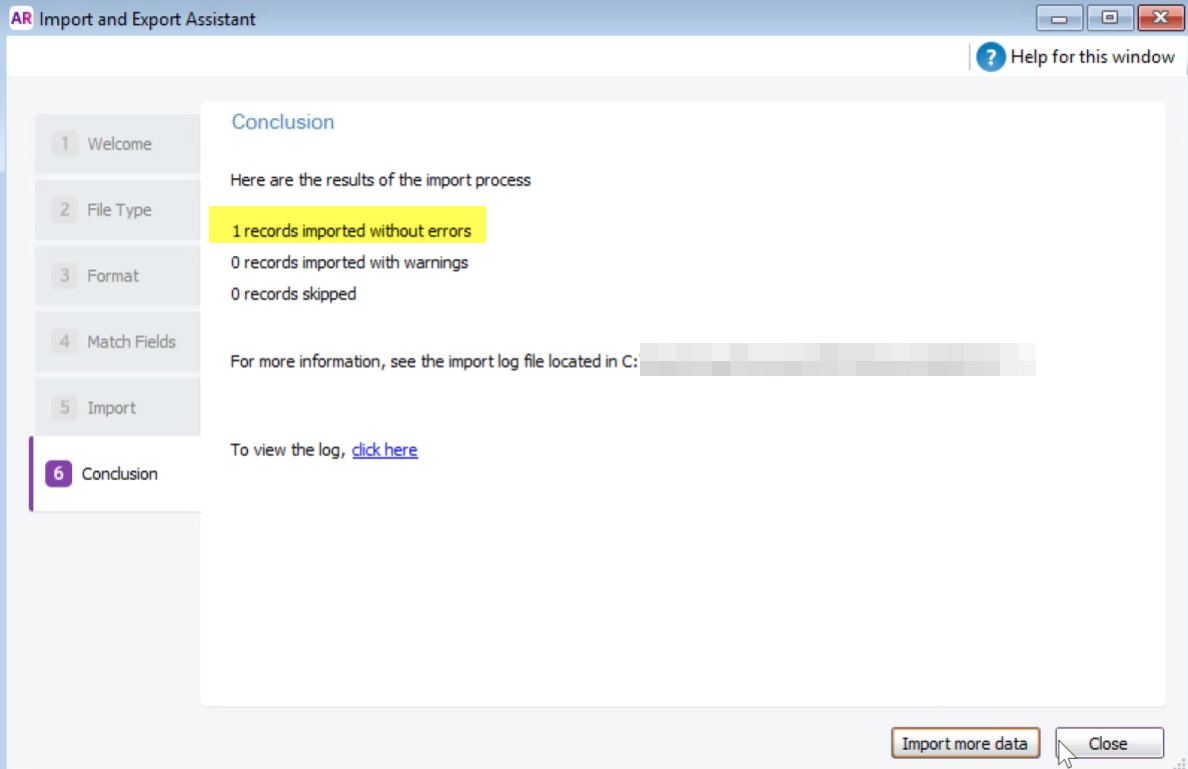
  1. Review the confirmation page, which will display any errors or warnings from the import.
2017-08-29_13-55-59.png


Did you find this article helpful?
Previous

Managing Employees Exceeding the 5000 KM Threshold

Next