

You can view and share your payslips from the EH Work app.
How to use Payslips
Open the EH Work App.
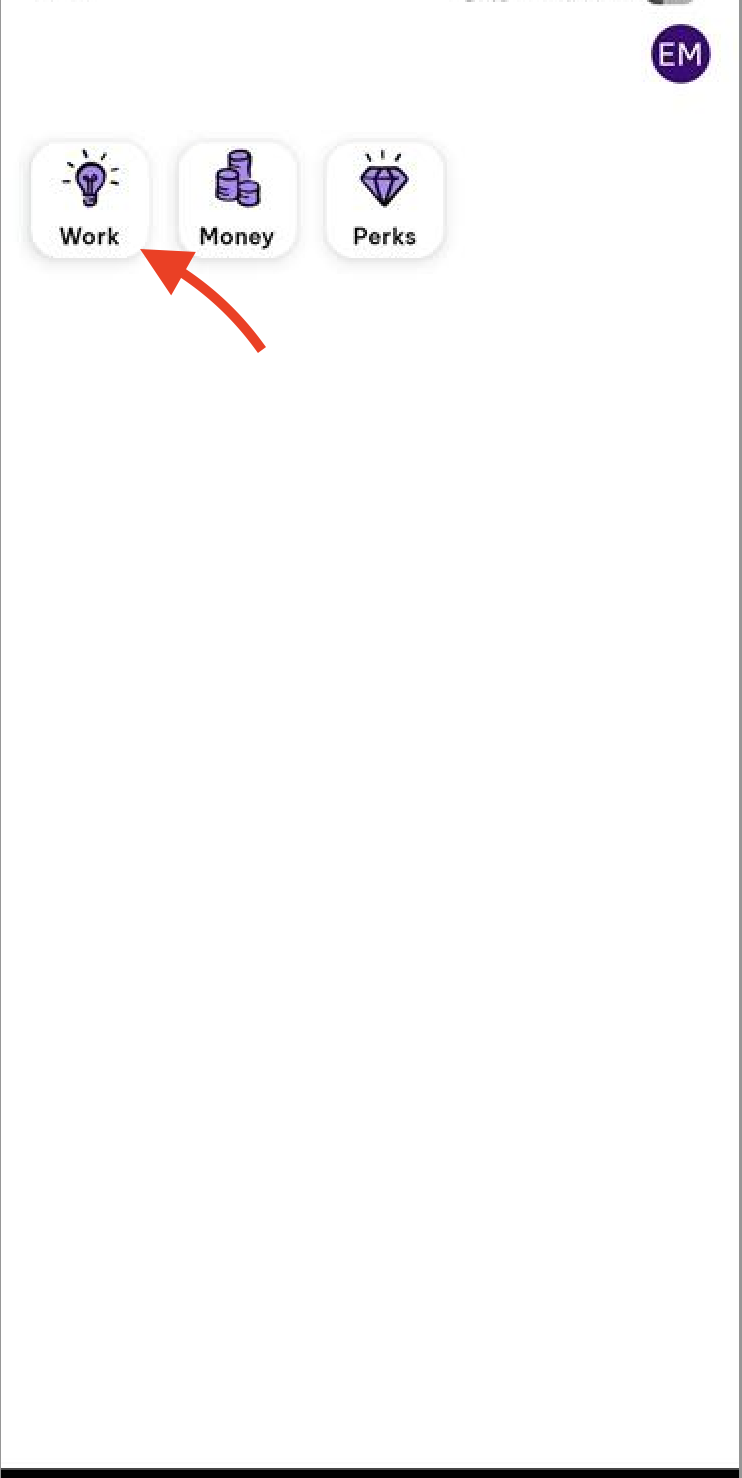
From the Home/Dashboard view, tap Work on the top menu to the left
From the Work page, tap Pay slips
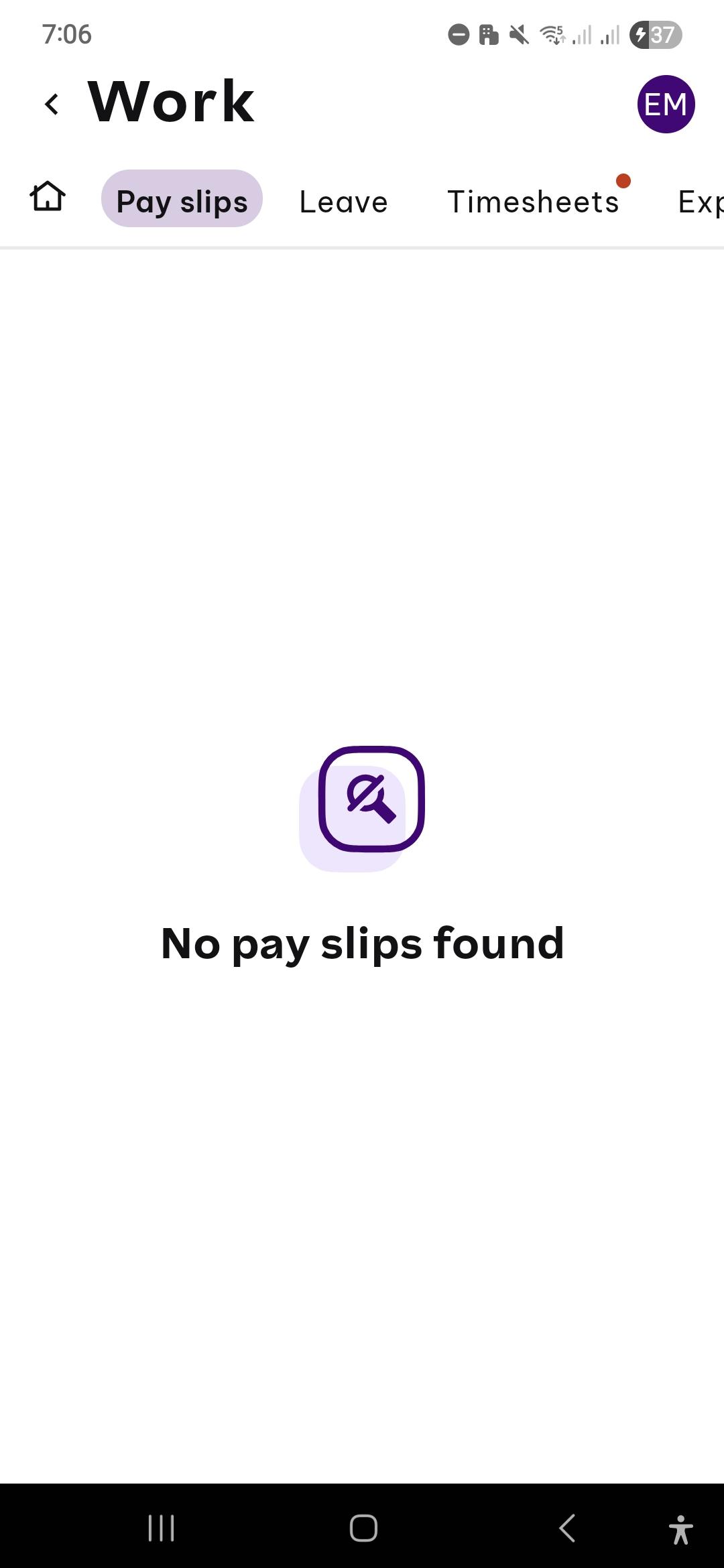
From here, the page will show you your payslips historically as well as the amount you received per pay run.
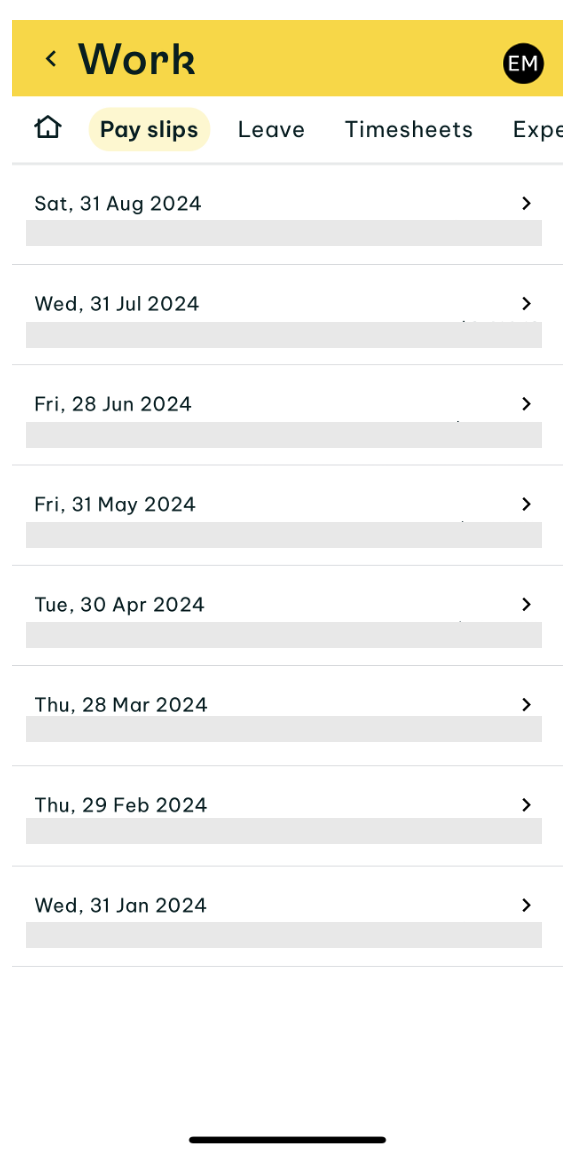
Tap on the pay slip you want to see and then this displays the payslip as a PDF. To share by email or to save to your device, tap Share on the right bottom left of the page and follow the process for your mobile device