In Ezipay you can import time sheets in bulk rather that manually entering them individually. If you have Eziplan for your Rostering you can find the instructions on how to export the bulk time sheets in the correct format here.
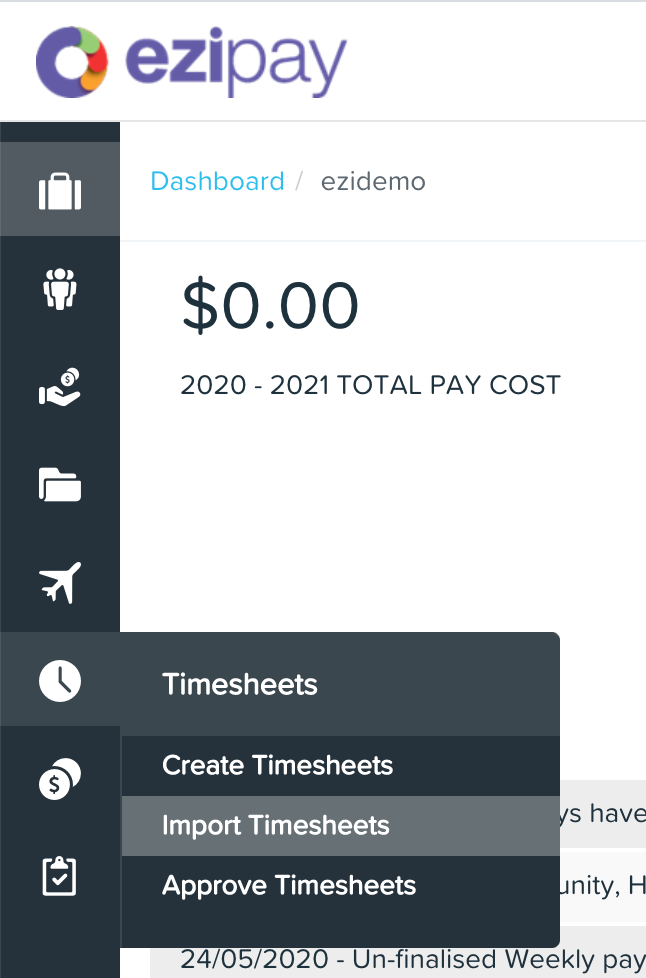
Once you have the bulk time sheet import file ready, in the Ezipay side bar, go to the Time Sheet tab and choose Timesheets - Import Timesheets
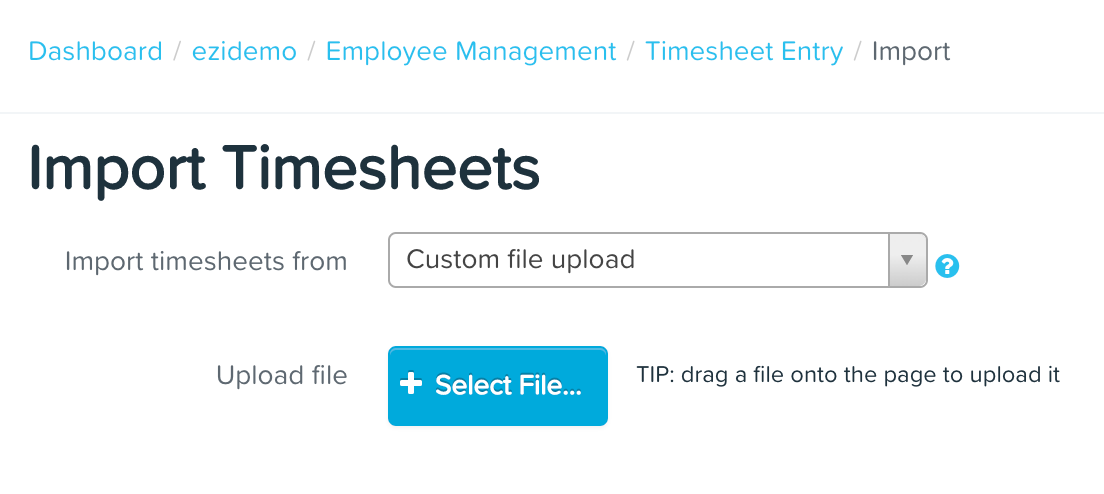
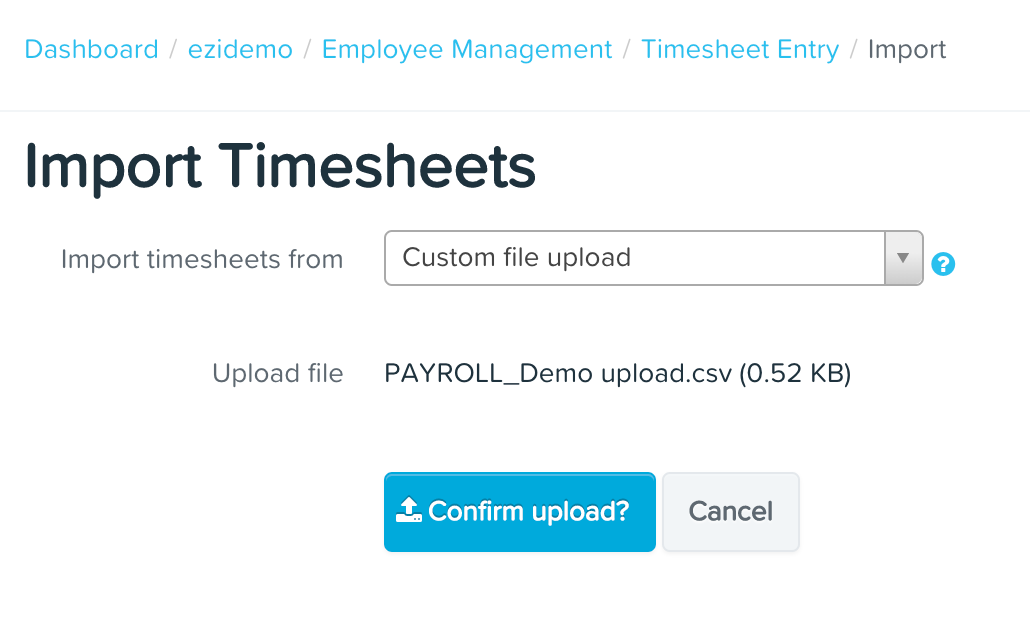
Hit the Select File button to choose the Payroll Export you have taken from Eziplan (see Payroll Export) or drag the Payroll Export file onto the page.
The select Confirm Upload.
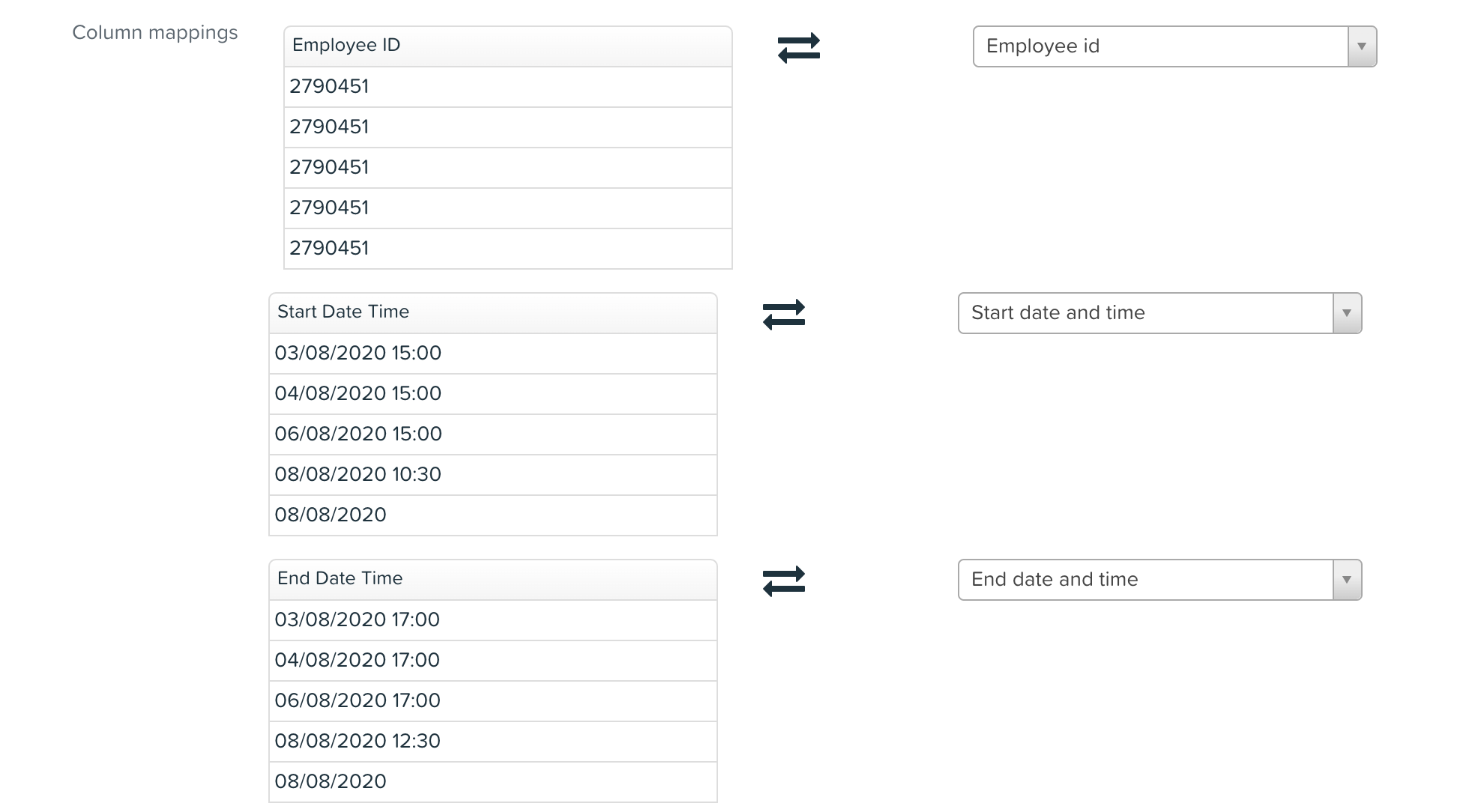
Confirm the column mapping is correct.
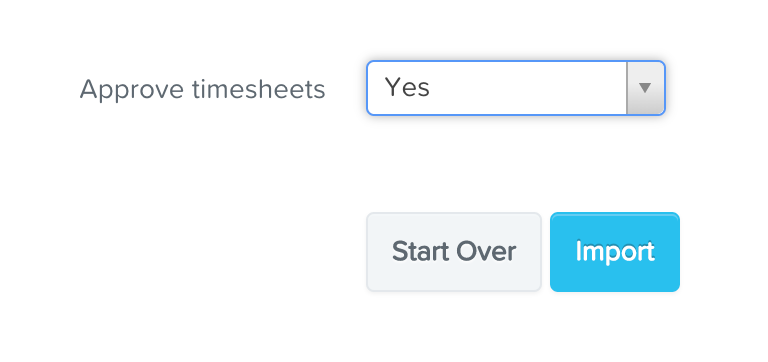
Then at the bottom of the page change the Approve timesheets option to "Yes" and select the Import button.
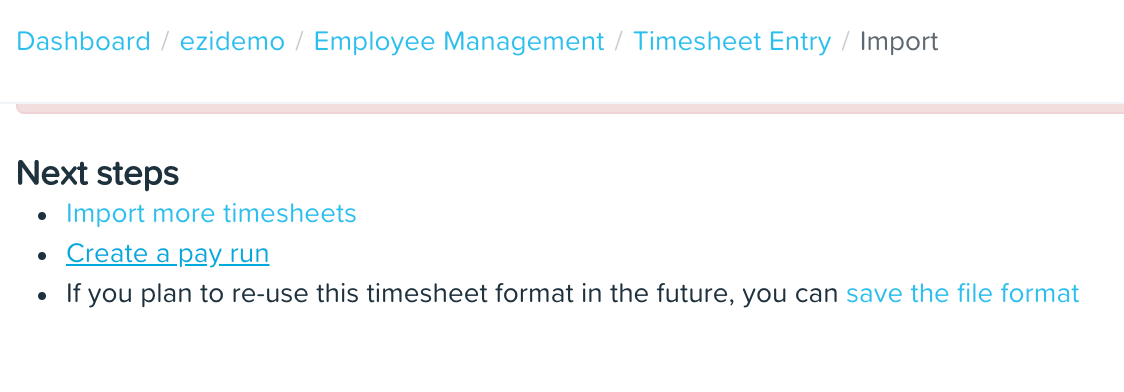
Once you see the screen below your import in complete and you can continue to Create a pay run.