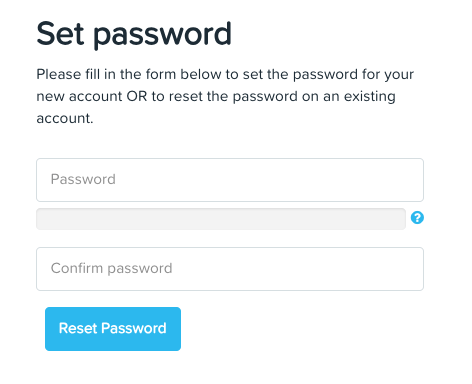

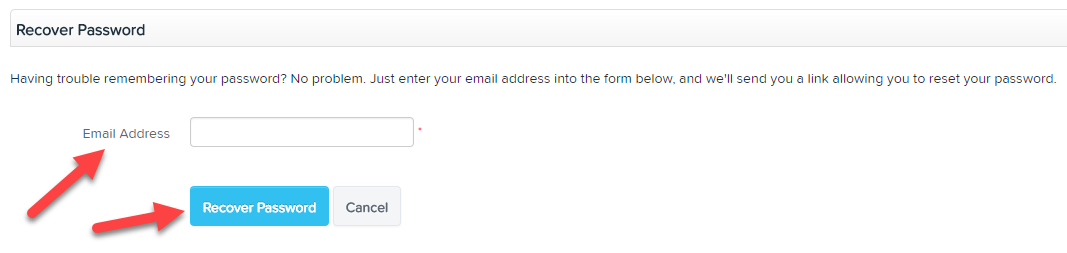
If you forget your password you can reset it by clicking on the "Forgot my Password" button that is located on the log in page. You will then be prompted to enter your email address associated with the payroll platform so that a link can be emailed to you. You need to click on this link in order to reset your password.
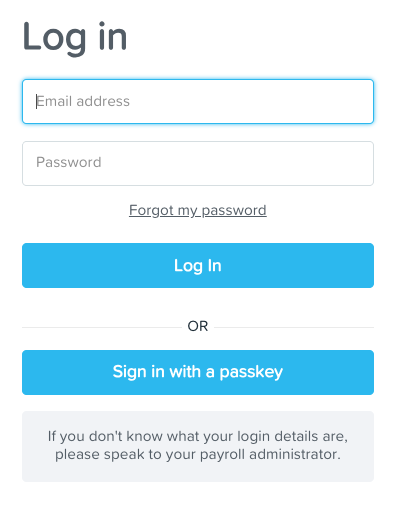
Click on the reset password link provided in the email.
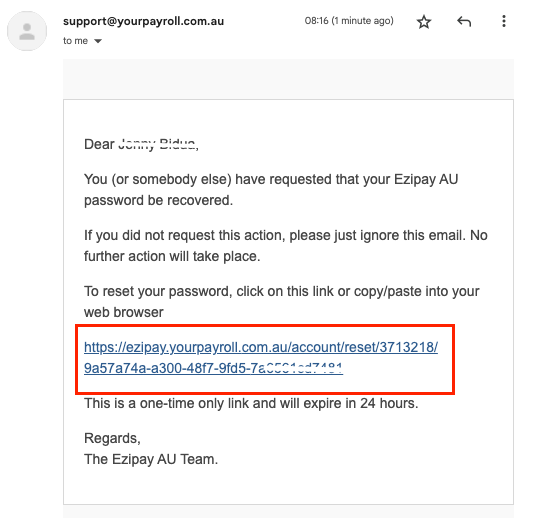
You can now set a new password.
Note: The system will determine whether the password is strong enough by using a password strength estimator, rather than requiring a set number of letter/numbers etc.